Navigation Unit DVD-ROM Replacement
Navigation Unit DVD-ROM Replacement
NOTE: When the DVD-ROM is re-inserted or replaced, a map match must be done.| 1. | Turn the ignition switch ON (II). |
| 2. | Press the EJECT button (A) of the navigation unit (B) located center console.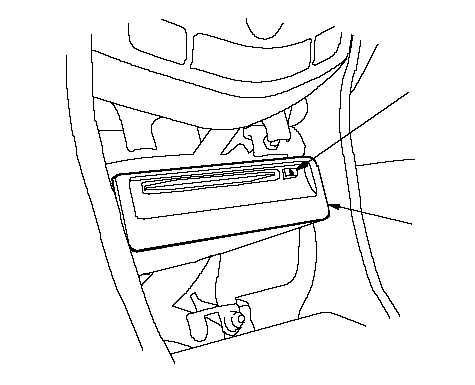 AB AB |
| 3. | Remove the DVD-ROM. |
| 4. | Insert the new DVD-ROM. NOTE: Do not turn the ignition switch OFF, until data is down loaded to navigation unit. |