Crankshaft Pulley Removal and Installation (D17A)
Crankshaft Pulley Removal and Installation
Special Tools Required
Socket, 19 mm ( 07JAA-001020A)
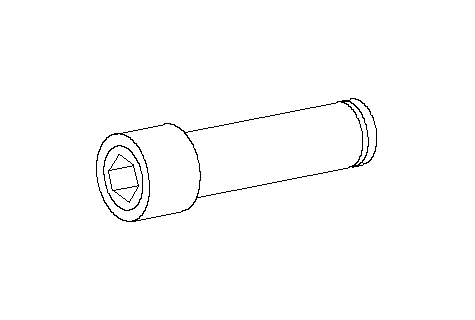
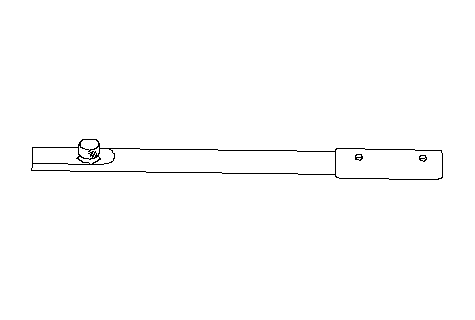
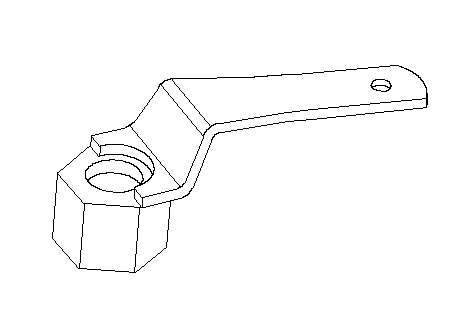
Removal
| 1. | Hold the pulley with holder handle (A) and holder attachment (B).
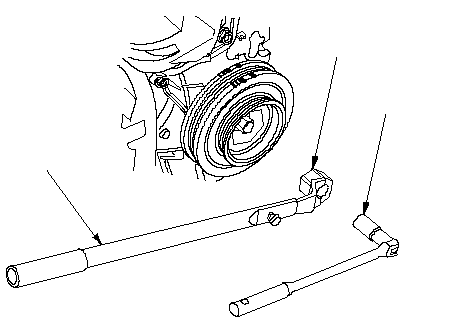 A 07JAB-0010200B 07MAB-PY30100C 07JAA-0010200 |
| 2. | Remove the bolt with a 19 mm socket (C) and breaker bar. |
Installation
| 1. | Remove any oil from the pulleys (A), guide plate (B), crankshaft (C), bolt (D), and washer (E). Clean and lubricate as shown below.
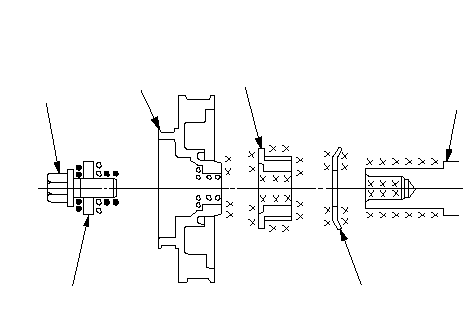 CEDAAB¡: Clean ×: Remove any oil l: Lubricate |
| 2. | Install the crankshaft pulley, and hold the pulley with holder handle (A) and holder attachment (B).
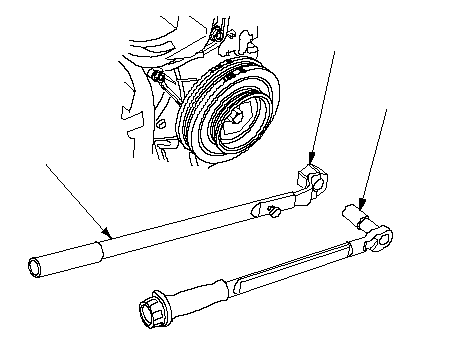 A 07JAB-0010200B 07MAB-PY30100C 07JAA-0010200 |
| 3. | Tighten the bolt to 20 N·m (2.0 kgf·m, 14 lbf·ft) with a torque wrench and 19 mm socket (C). Do not use an impact wrench. |
| 4. | Tighten the pulley bolt an additional 90°. |