NAVIGATION SYSTEM (for DVD) > Map Disc cannot be Inserted |
| 1.CHECK NAVIGATION MODULE BOARD |
Enter the map data information screen.
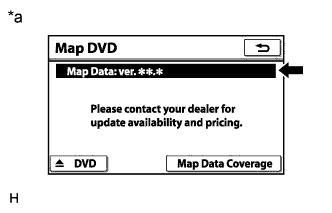 |
Check if a disc is inserted into the map disc slot.
Check if the map data version is displayed.
| Result | Proceed to |
| The map data version is not displayed. | A |
| The map data version is displayed. | B |
| *a | Example |
|
| ||||
| A | |
 |
| 2.CHECK MAP DISC |
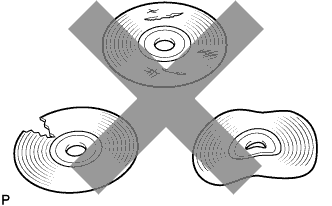 |
Check that a map disc is inserted and that it is not deformed or cracked.
|
| ||||
| OK | ||
 | ||
| ||

