NAVIGATION SYSTEM (for DVD) > Screen Flicker or Color Distortion |
| 1.CHECK DISPLAY SETTING |
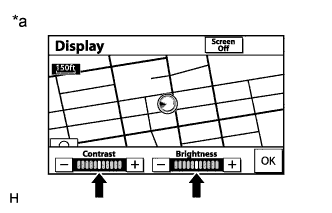 |
Press the "DISP" switch on the remote touch.
Reset display settings (contrast, brightness) and check that the screen appears normally.
| *a | Example |
|
| ||||
| OK | ||
 | ||
| ||
| 2.CHECK CABIN |
Check that the temperature in the cabin is neither -20°C (-4°F) or lower nor 65°C (149°F) or higher.
|
| ||||
| OK | |
 |
| 3.CHECK COLOR BAR (OPERATION CHECK) |
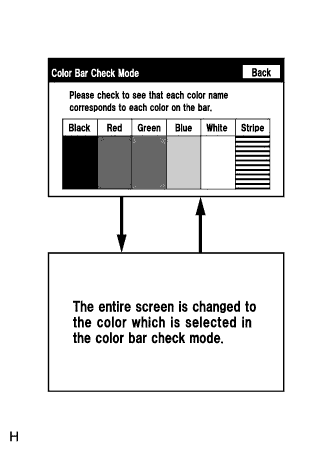 |
Enter the "Color Bar Check Mode" screen. Refer to Check Color Bar in Operation Check (Click here).
Check that the color bars match the displayed names.
|
| ||||
| OK | ||
| ||
| ||


