AIR CONDITIONING SYSTEM > DIAGNOSIS SYSTEM |
| DESCRIPTION |
Air conditioning system data and Diagnostic Trouble Codes (DTCs) can be read through the Data Link Connector 3 (DLC3) of the vehicle. When the system seems to be malfunctioning, use the intelligent tester to check for malfunctions and perform troubleshooting.
| CHECK DLC3 |
Check the DLC3 (Click here).
| LIST OF OPERATION METHODS |
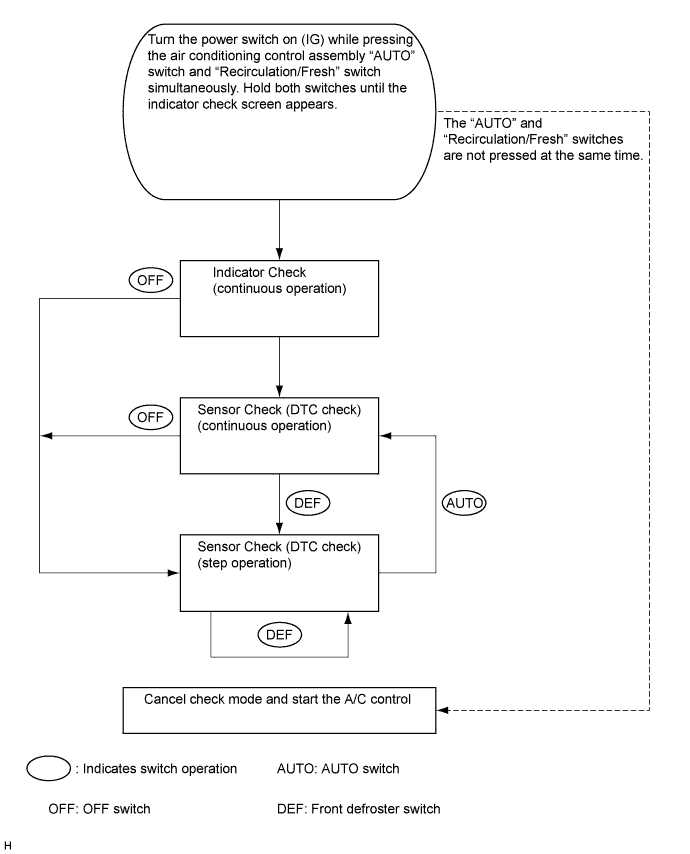
By operating each of the air conditioning control switches as shown in the diagram below, it is possible to enter diagnostic check mode.
| INDICATOR CHECK |
Turn the power switch off.
Turn the power switch on (ACC) and wait at least 5 seconds.
Turn the power switch on (IG) while pressing the air conditioning control assembly "AUTO" switch and "Recirculation/Fresh" switch simultaneously. Hold both switches until the indicator check screen appears.
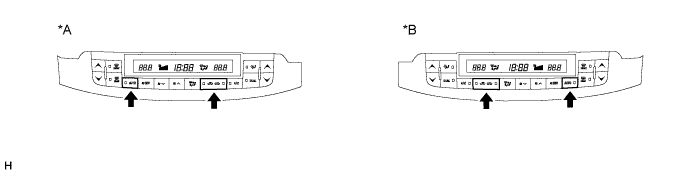
| *A | for LHD | *B | for RHD |
The indicator check is automatically performed when panel diagnosis is activated. Check that the indicators light up and go off 4 times at 1-second intervals continuously.
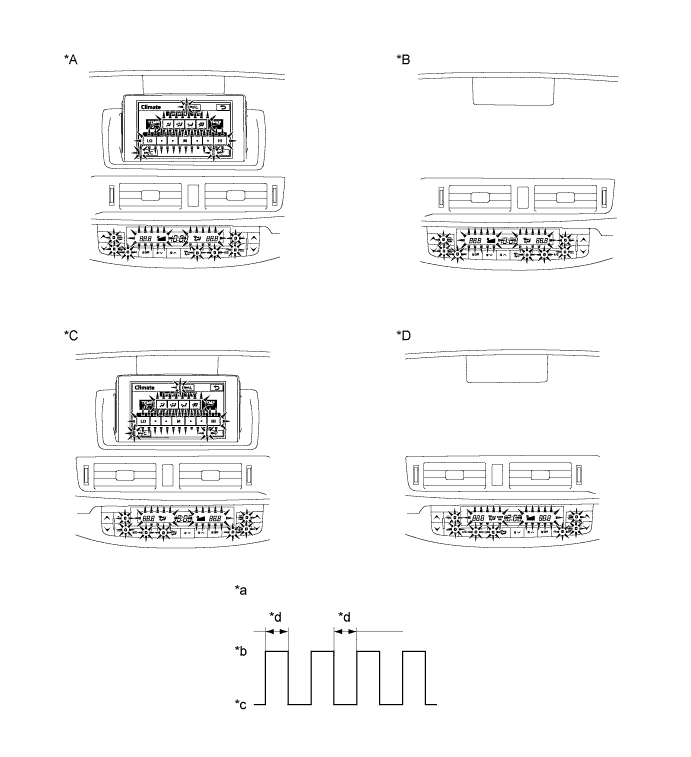
| *A | for LHD (w/ Navigation System) | *B | for LHD (w/o Navigation System) |
| *C | for RHD (w/ Navigation System) | *D | for RHD (w/o Navigation System) |
| *a | Indicator Blinking Pattern | *b | ON |
| *c | OFF | *d | 1 sec. |
| SENSOR CHECK (DTC CHECK) |
Start the engine and warm it up.
Perform the indicator check.
Read the DTC displayed on the panel.
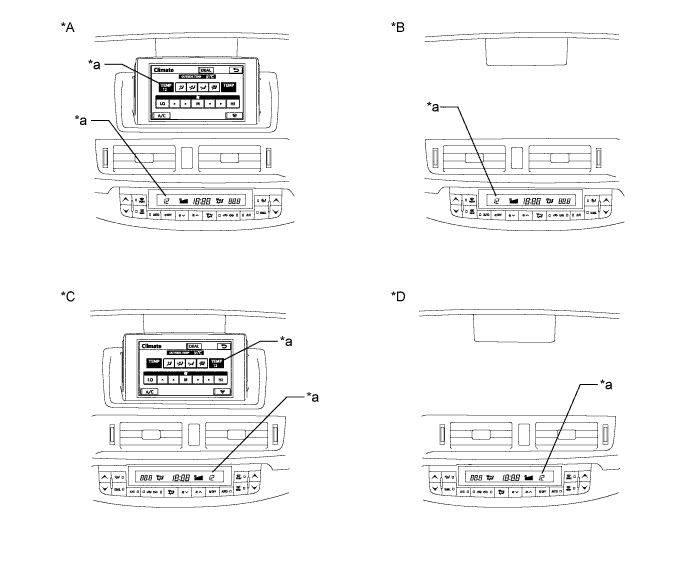
| *A | for LHD (w/ Navigation System) | *B | for LHD (w/o Navigation System) |
| *C | for RHD (w/ Navigation System) | *D | for RHD (w/o Navigation System) |
| *a | Diagnostic Trouble Code (DTC) | - | - |
If the steps are difficult to read because they change automatically, press the "FRONT DEF" switch to display the steps one at a time so that they can be read easily. The items are displayed step by step each time the "FRONT DEF" switch is pressed.
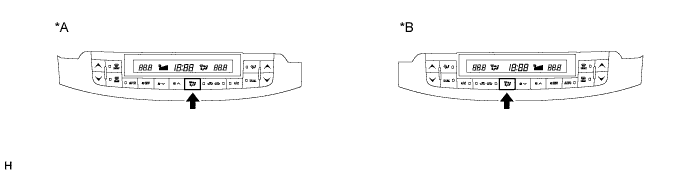
| *A | for LHD | *B | for RHD |
Clear the DTC
During the sensor check, press the "FRONT DEF" switch and "REAR DEF" switch simultaneously.
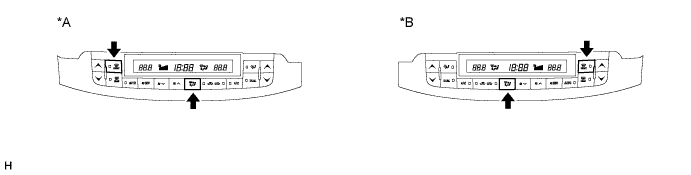
| *A | for LHD | *B | for RHD |
