 |
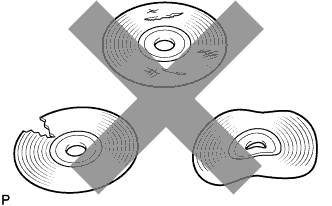
Check that the map disc is not deformed or cracked.
- OK:
- No deformations or cracks appear on the map disc.
NAVIGATION SYSTEM (for DVD) > Map Disc Read Error |
| 1.CHECK MAP DISC |
|
Check that the map disc is not deformed or cracked.
|
| ||||
| OK | |
 |
| 2.CHECK MAP DISC |
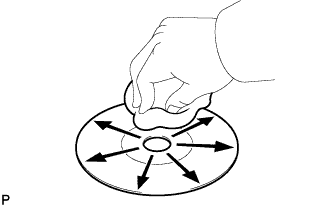 |
Check for dirt on the map disc surface.
|
| ||||
| OK | ||
 | ||
| ||
