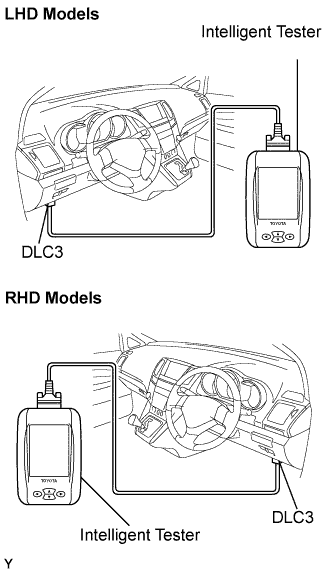
Select "SIGNAL CHECK", and proceed to checking with the intelligent tester.
NOTICE:
Select "SIGNAL CHECK" from the "DTC CHECK" screen displayed on the intelligent tester to clear the output DTCs (both present and past).
HINT:
DTCs can be detected more sensitively in check mode than in normal diagnosis mode.
Perform check mode inspection when a malfunction in each squib circuit is suspected even after the normal system code is output through normal diagnosis mode inspection.