DTC CHECK / CLEAR
Troubleshooting
| DTC CHECK USING INTELLIGENT TESTER |
Connect the intelligent tester to the DLC3.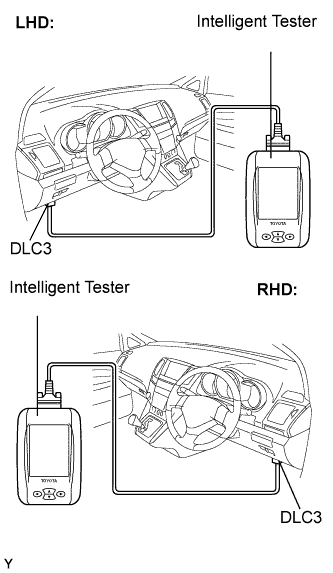

Turn the ignition switch ON.
Read the DTC following the prompts on the tester screen.
Refer to the intelligent tester operator's manual for further details.Clear the DTCs.
- HINT:
- After repairing the malfunctions, clear the DTC.
Connect the intelligent tester to the DLC3.
Turn the ignition switch ON.
Erase the DTCs following the prompts on the tester screen.
- HINT:
- Refer to the intelligent tester operator's manual for further details.
| DTC CHECK (SENSOR CHECK) |
After the indicator check is completed, the system enters the DTC check mode automatically.
Read the codes displayed on the panel. Refer to the list of codes when reading the codes. (Trouble codes are output on the temperature display.)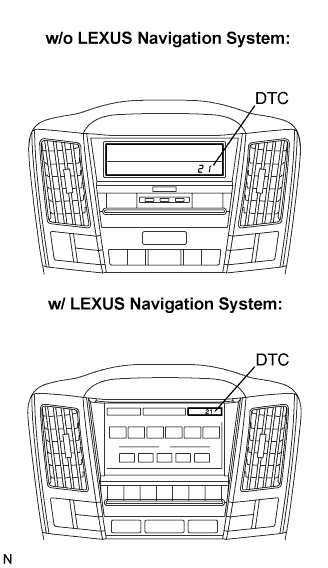
- HINT:
- Refer to the DTC chart (Diagnostic Trouble Code chart) for details of the codes. (Click here)
If the slower display is desired, press the "UPDr" switch and change it to the operation. Each time the "UPDr" switch is pressed, the display changes by 1 step.
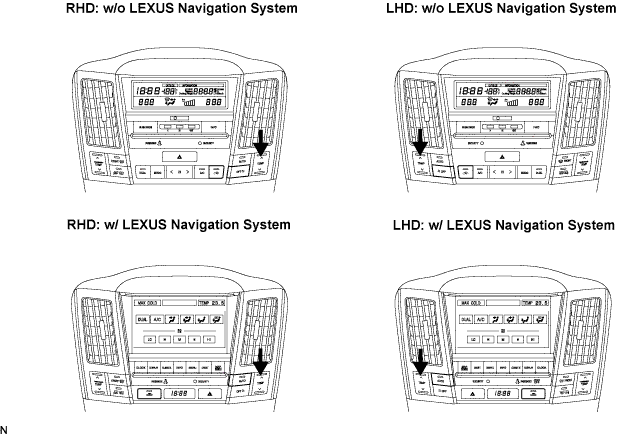
Clear the DTCs.
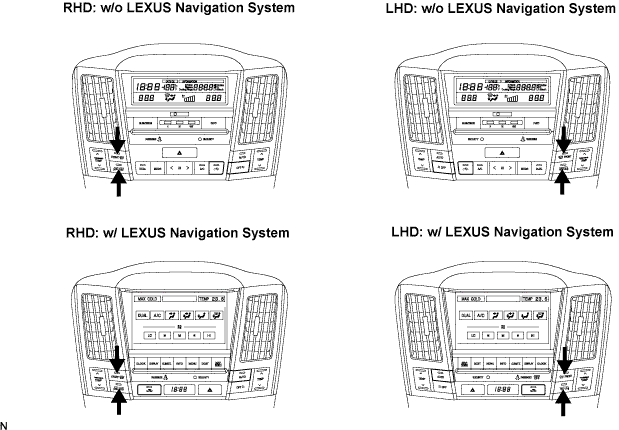
- HINT:
- After repairing the malfunctions, clear the DTC.
During sensor check, press the "Fr. DEF" switch and "Rr. DEF" switch at the same time.