DTC CHECK / CLEAR
Troubleshooting
| DTC CHECK/CLEAR |
- HINT:
- Check and clear the DTC for the brake control system, the axle system is controlled by the brake control system (skid control ECU) and hybrid control system (HV control ECU).
- If a DTC other than DTC C1348 is output when performing DTC check, refer to DTC chart of the Brake Control System (Click here).
- Check and clear the DTC for the brake control system, the axle system is controlled by the brake control system (skid control ECU) and hybrid control system (HV control ECU).
Check the DTCs.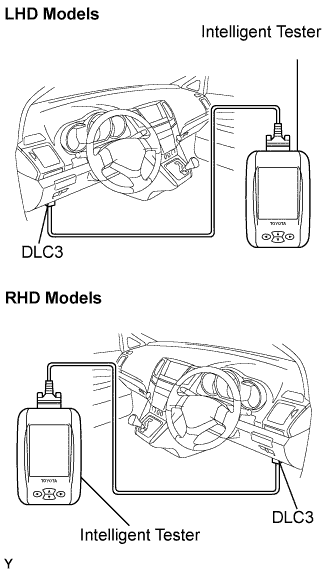

Connect the intelligent tester to the DLC3.
Turn the ignition switch to the ON position.
Check the DTCs by following the prompts on the tester screen.
- HINT:
- Refer to the intelligent tester operator's manual for further details.
Code is explained in the DTC chart (Click here).
Clear the DTCs.
Connect the intelligent tester to the DLC3.
Turn the ignition switch to the ON position.
Clear the DTCs by following the prompts on the tester screen.
- HINT:
- Refer to the intelligent tester operator's manual for further details.
| END OF DTC CHECK/CLEAR |
Turn the ignition switch to the ON position.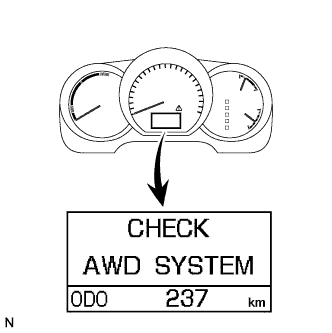
Check that "CHECK AWD SYSTEM" is not displayed on the multi-information display.