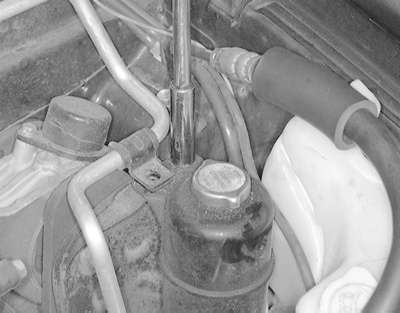
| Fig. 1: On 1994–98 Galant models, remove the
power steering reservoir mounting bolts, and position the reservoir
to the side
|
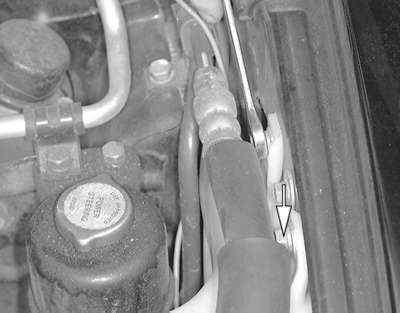
| Fig. 2: Remove the washer fluid reservoir retaining
screws . . .
|
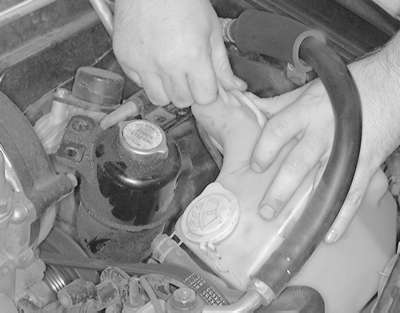
| Fig. 3: . . . then move the reservoir out of the way
to access the parking and side marker lamp bulbs on 1994–98 Galant
models
|
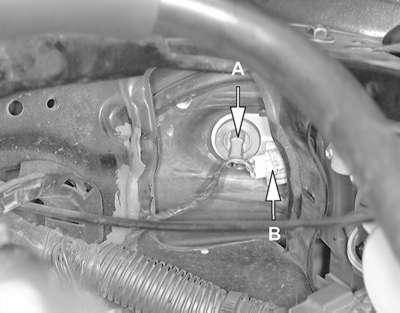
| Fig. 4: After the washer fluid reservoir is removed,
the parking lamp bulb (B) and the side marker lamp (A) are accessible
on 1994–98 Galant models
|
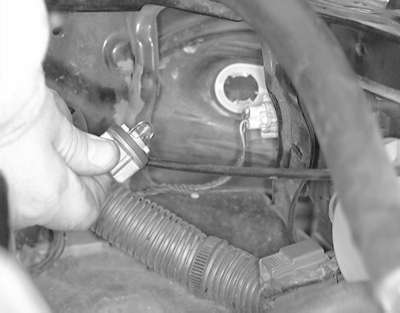
| Fig. 5: Twist the bulb socket to release it from the
lens
|
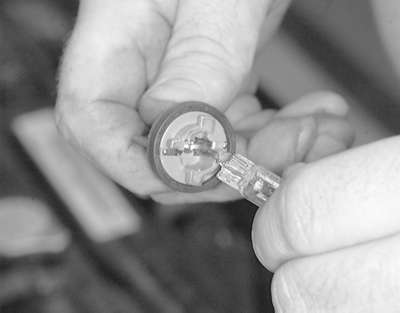
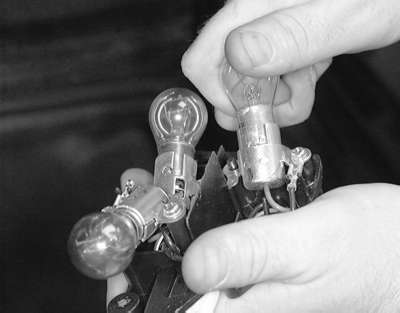
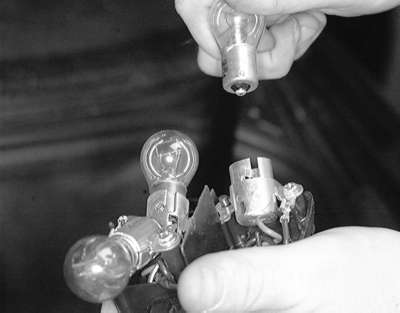
| Fig. 6: Pull the bulb assembly out of the socket to
remove
|
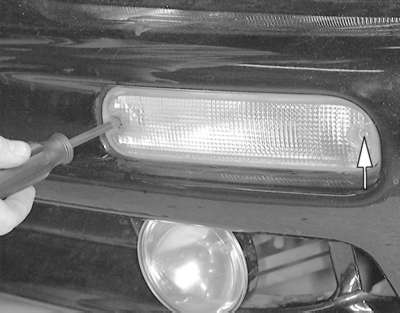
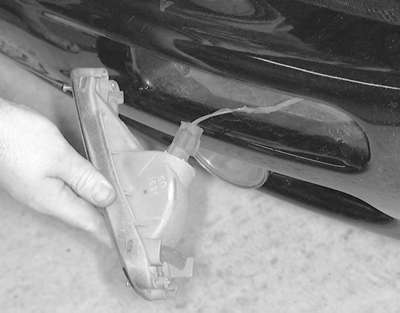
| Fig. 7: Remove the turn signal lens retaining screw
. . .
|
| Fig. 8: . . . then remove the lens from the front fascia
|
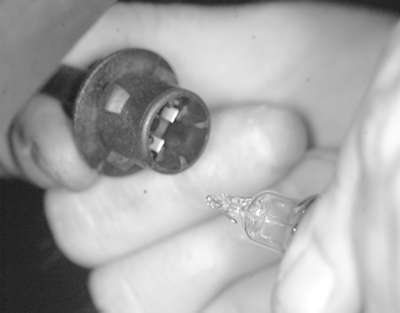
| Fig. 9: Twist the bulb socket to release it from the
lens
|
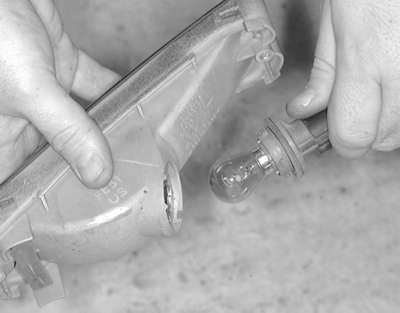
| Fig. 10: Pull the bulb assembly out of the socket to
remove
|
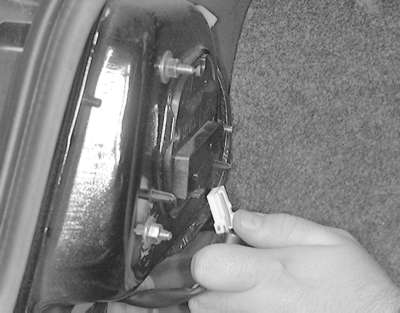
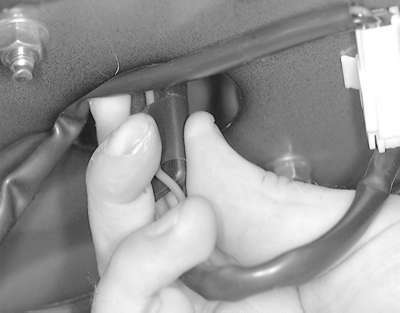
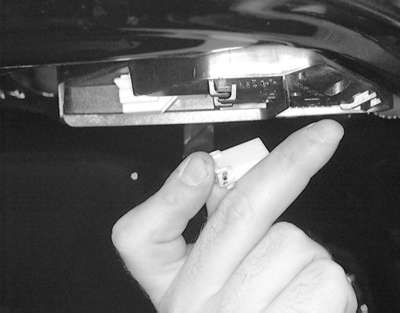
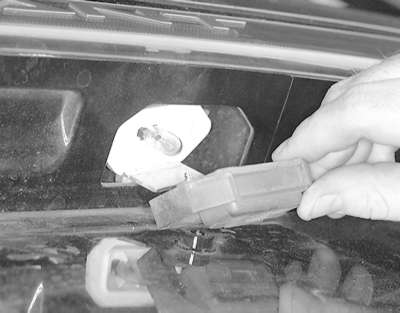
| Fig. 11: The back-up lamp socket assembly is located
on the underside of the trunk lid. Detach the electrical connector .
. .
|
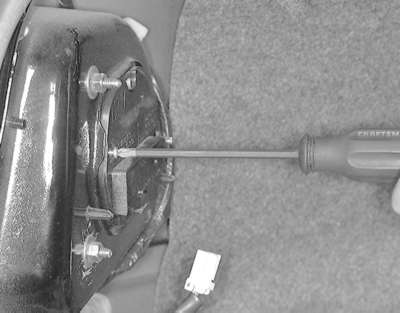
| Fig. 12: . . . then unfasten the trim panel retaining
screws for access to the bulb(s)
|
| Fig. 13: Twist the bulb socket to release it from the
lens
|
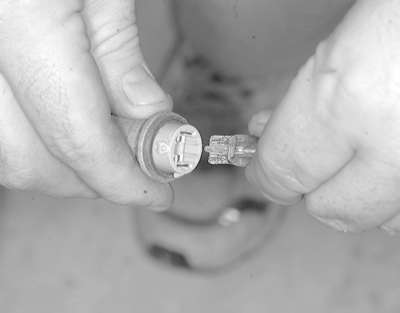
| Fig. 14: Pull the bulb assembly out of the socket to
remove
|
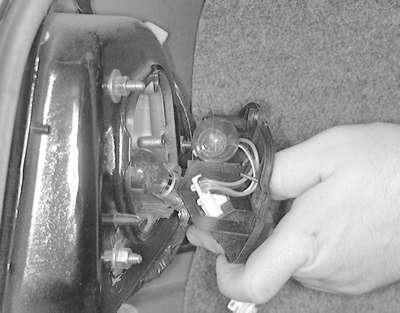
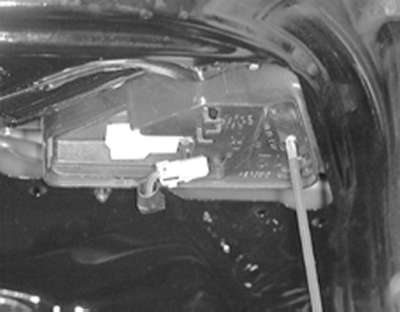
| Fig. 15: The back-up lamp socket assembly is located
on the underside of the trunk lid
|
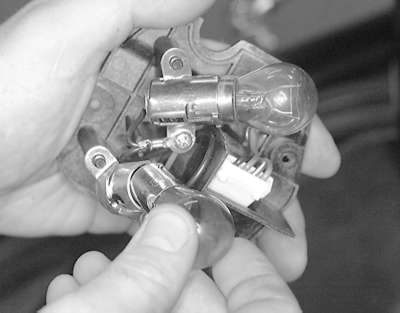
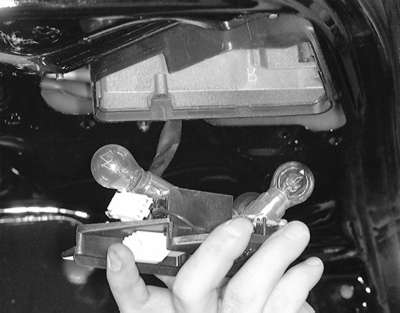
| Fig. 16: Twist the bulb socket to release the locking
tabs from the lens
|
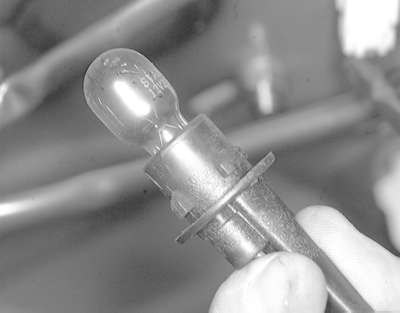
| Fig. 17: Pull the bulb assembly straight out of the
socket to remove it
|
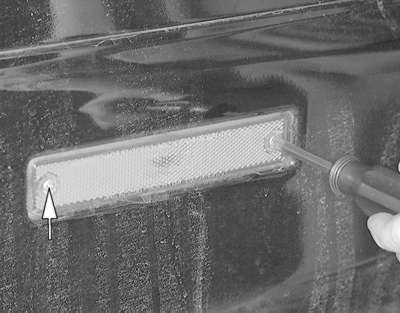
| Fig. 18: Remove the side marker light retaining screw
. . .
|
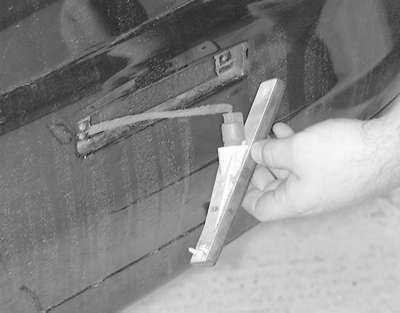
| Fig. 19: . . . then pull the lens away from the rear
fascia
|
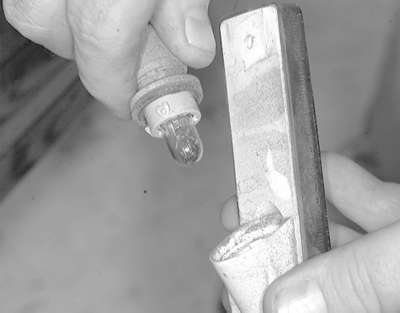
| Fig. 20: Twist the bulb socket to release it from the
lens
|
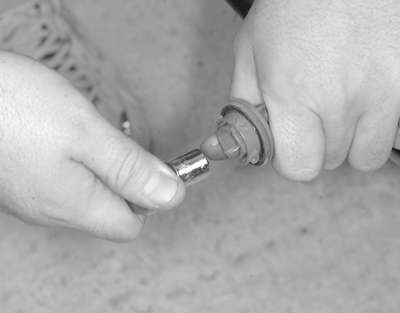
| Fig. 21: Pull the bulb assembly straight out of the
socket to remove
|
| Fig. 22: Detach the high-mount brake light electrical
connector
|
| Fig. 23: Remove the lamp retaining screws . . .
|
| Fig. 24: . . . then lower the lamp assembly for access
to the bulbs
|
| Fig. 25: Rotate the bulb assembly. . .
|
| Fig. 26: . . . then pull it from the socket
|
NOTE: The lamp assembly is accessible from the trunk underneath the package shelf.
NOTE: The bulb socket is accessible from the trunk underneath the package shelf.
| Fig. 27: Remove the two lamp lens retaining screws
. . .
|
| Fig. 28: . . . then lower the lens to access the bulb
|
| Fig. 29: Remove the bulb by pulling it from the terminals
on the lens
|
To install:
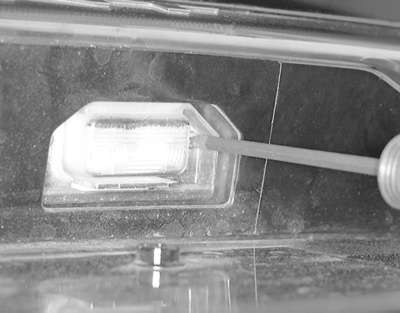
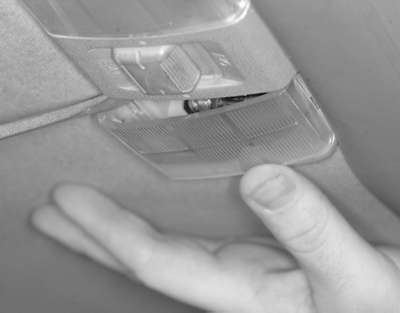
| Fig. 30: Using a suitable tool, carefully pry the lamp
lens loose . . .
|
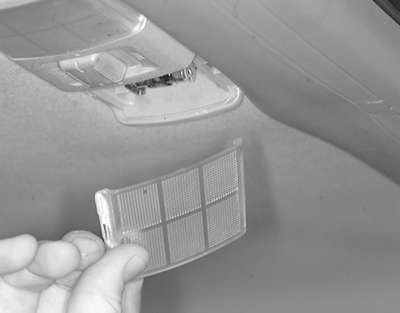
| Fig. 31: . . . then remove the lens from the dome lamp
assembly
|
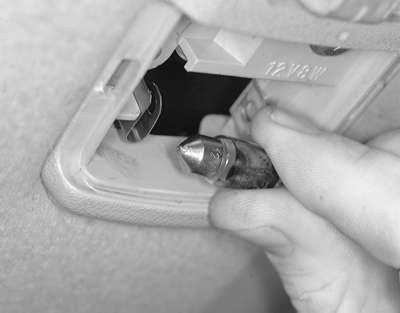
| Fig. 32: Pull the bulb straight out to remove it
|
To install:
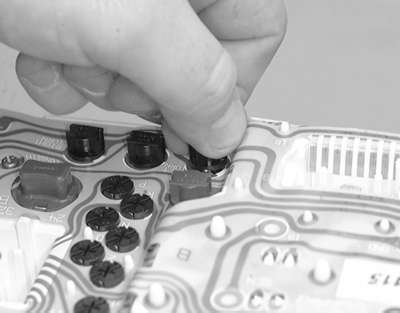
| Fig. 33: With the cluster removed, turn the socket
counterclockwise . . .
|
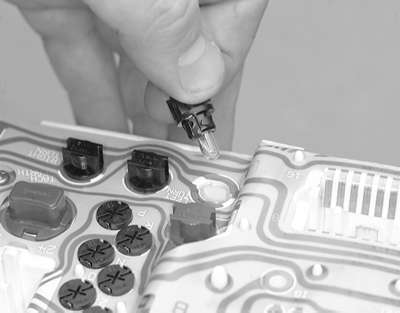
| Fig. 34: . . . and remove the socket from the instrument
cluster
|
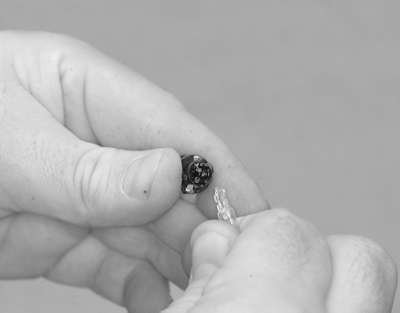
| Fig. 35: Pull the bulb straight out to remove it
|
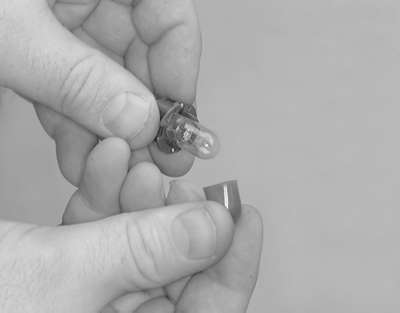
| Fig. 36: On some of the bulbs, it is necessary to transfer
the colored bulb cover to the new bulb
|
To install: