DISK EJECT SWITCH
BASE AUDIO WITH NAVIGATION
Exploded View
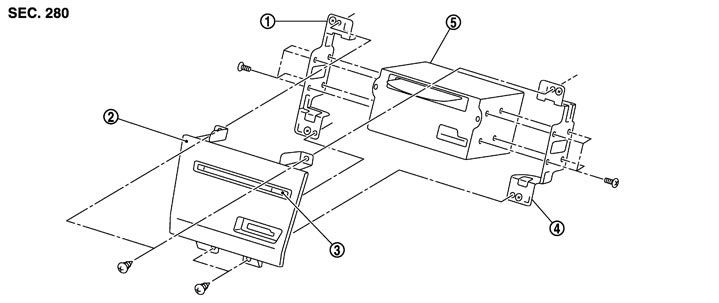
Removal and Installation
 REMOVAL
- 1.Remove the cluster lid C (lower). Refer to Removal and Installation.
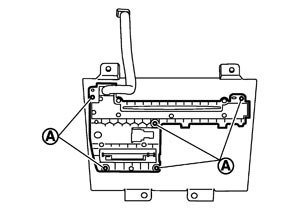
- 2.Remove the screws (A), and then remove the disk eject switch.
 INSTALLATION
Install in the reverse order of removal.
NOTE:
When installing disk eject switch, do not allow the hard wire that connects disk eject switch and preset switch to get caught in between AV control unit and disk eject switch.