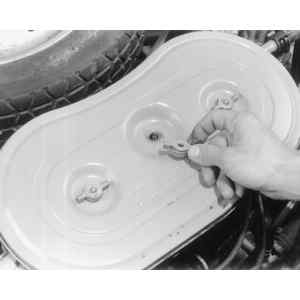
| Fig. 1: Remove the wingnuts from the top of the air cleaner
housing
|
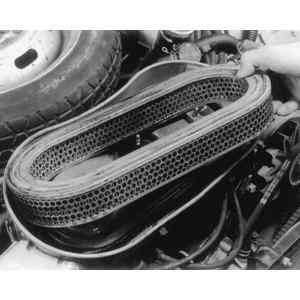
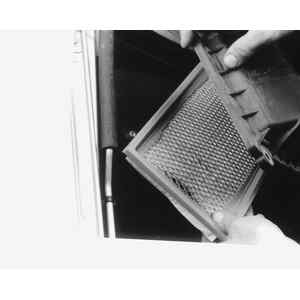
| Fig. 2: Lift the filter element out of the filter housing
|
To install:
NOTE: When checking the air cleaner, it is also a good idea to look at the PCV air filter. The filter is located on the rim of the air filter housing. If it is dirty, replace it.
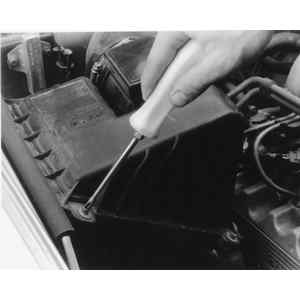
| Fig. 3: Unfasten the air cleaner cover retainer screws — 1991
Legacy
|
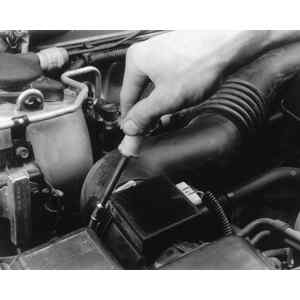
| Fig. 4: An appropriate sized socket can also be used
to remove the retainer screws
|
| Fig. 5: Lift the air filter element out of the cleaner
assembly
|
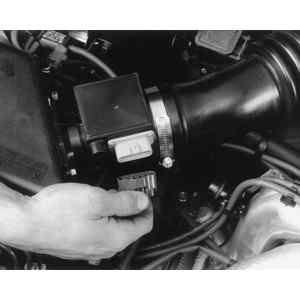
| Fig. 6: Unfasten the airflow sensor harness will provide
needed room
|
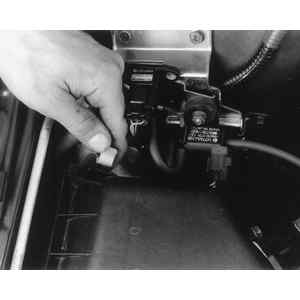
| Fig. 7: Unsnap the clips that fasten the air cleaner
assembly — 1996 Legacy
|
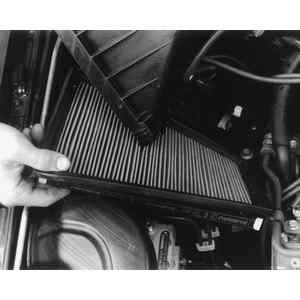
| Fig. 8: Lift the top of the air cleaner and remove the
filter
|
To install: