METER / GAUGE / DISPLAY METER / GAUGE SYSTEM CONTROL COMBINATION METER
FUNCTION
Buzzer Function
The table below shows the buzzer in the combination meter assembly:
| Item |
|---|
·
A/T Reverse*1 ·
Key Reminder*2 ·
Light Reminder*2 ·
Speed Warning*3 |
*1: Models with automatic transmission
*2: Models with driver seat belt warning function
*3: Models with speed warning function
Multi-information Display Function
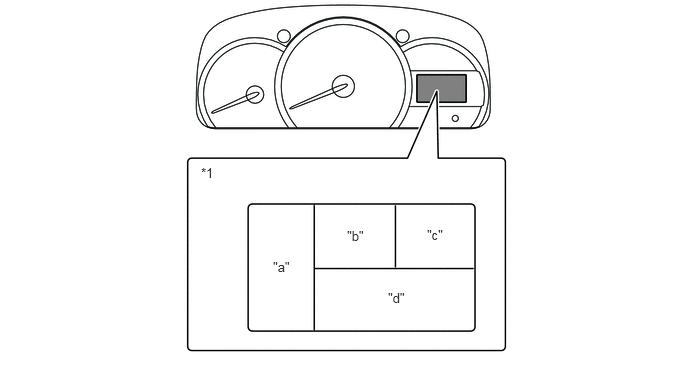
| *1 | Multi-information Display | - | - |
| Display Area | Display | Display Item | Outline |
|---|---|---|---|
| "a" | 
|
Fuel Gauge Display | Displays the remaining fuel amount. |
| "b" | 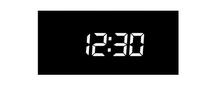
|
Clock Display | The clock is always displayed. |
| "c" | 
|
Shift Position Indicator*1 | Displays shift position P, R, N, D, 3, 2 or L of the automatic transmission. |
| "d" | 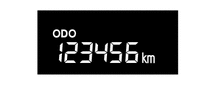
|
Odometer Display | Displays the odometer. |
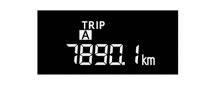
|
Trip Meter A Display | Displays the trip meter A. | |
|
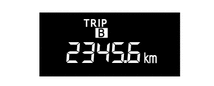
Trip Meter B Display | Displays the trip meter B. | |
|
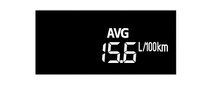
Average Fuel Consumption Display*2 | ·
Displays the value that has been calculated by the combination meter assembly, which is based on the distance driven after refueling and the fuel consumption. ·
The combination meter assembly resets the value when determining that the vehicle has been refueled according to the signal from the fuel sender gauge. ·
The value is also reset by pressing the ODO/TRIP DISP switch for 0.8 seconds or more. ·
This display is updated every 10 seconds. |
|
|
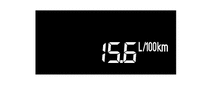
Instantaneous Fuel Consumption Display*2 | ·
Displays the value that has been calculated by the combination meter assembly, which is based on the distance driven and the fuel consumption volume. ·
This display is updated every 2 seconds. |
|

|
Drivable Distance Display*2 | ·
Displays the value that has been calculated by the combination meter assembly, which is based on the fuel consumption volume, engine RPM data, and residual fuel volume data after the ignition switch has been turned to ON. ·
This display is updated every 1 second. |
*1: Models with automatic transmission
*2: Models with cruise information function
OPERATION
Switching the Multi-information Display
The multi-information display changes in the order shown below by pressing the switch.
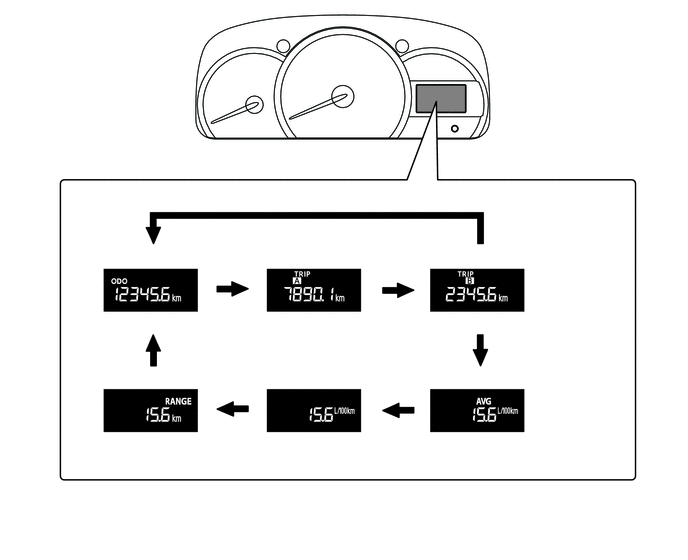
| *A | Models without Cruise Information Function | *B | Models with Cruise Information Function |
| *1 | ODO/TRIP Switch | *2 | ODO/TRIP DISP Switch |
| *3 | Odometer Display | *4 | Trip Meter A Display |
| *5 | Trip Meter B Display | *6 | Average Fuel Consumption Display |
| *7 | Instantaneous Fuel Consumption Display | *8 | Drivable Distance Display |

|
Pressing the switch | - | - |