 |
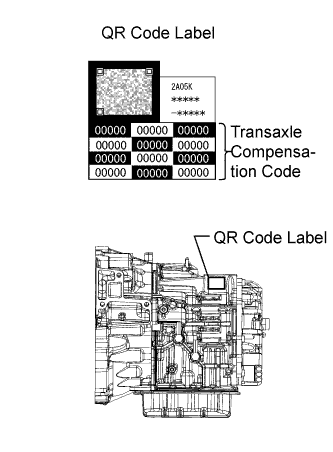
Record the transaxle compensation code specified on the QR label.
- HINT:
- The transaxle compensation code is imprinted on the QR label.
AUTOMATIC TRANSAXLE SYSTEM > REGISTRATION |
| 1. INPUT TRANSAXLE COMPENSATION CODE INTO TCM |
|
Record the transaxle compensation code specified on the QR label.
Shift the shift lever to N or P position.
Connect the intelligent tester to the DLC3.
Turn the ignition switch on.
Turn the tester on.
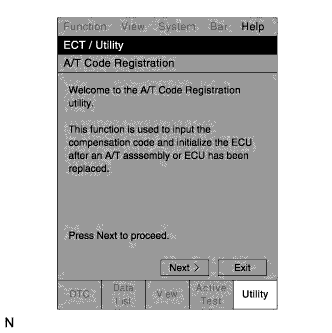 |
Enter the menu items in this order: Powertrain / ECT / Utility / A/T Code Registration.
Press "Next".
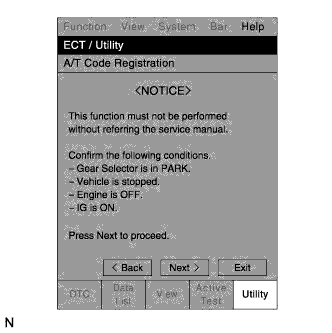 |
Press "Next" again to proceed.
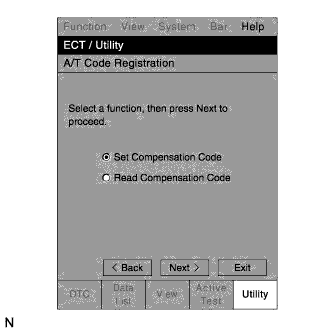 |
Select "Set Compensation Code".
Press "Next".
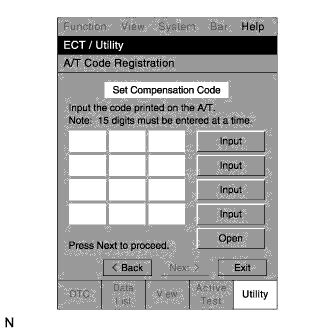 |
Register the compensation code.
Press "Input".
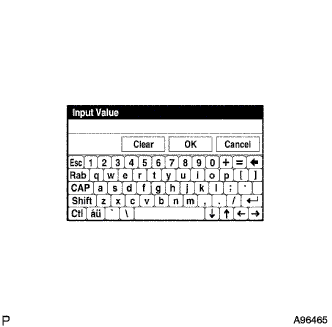 |
Manually input the transaxle compensation code. The code is a 60-digit alphanumeric value printed on the QR label. After inputting the code, press "OK".
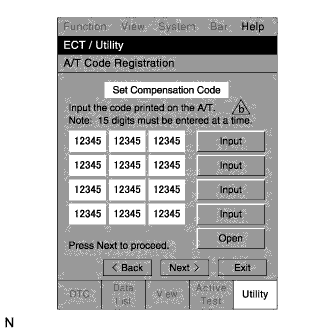 |
Check that the compensation code displayed on the screen is correct by comparing it with the 60-digit alphanumeric value on the QR label.
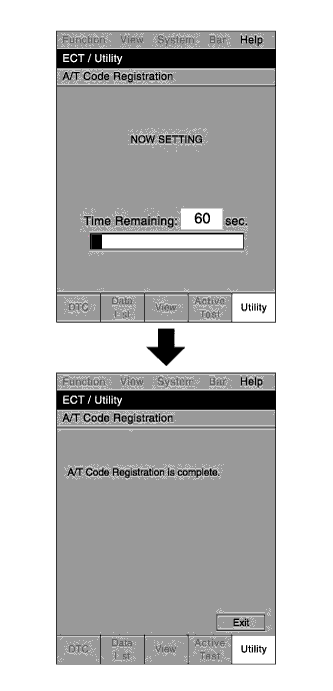 |
Press "Next" to set the compensation code to the TCM.
Press "Exit".
| 2. TRANSFER TRANSAXLE COMPENSATION CODE |
Shift the shift lever to the N or P position.
Connect the intelligent tester to the DLC3.
Turn the ignition switch on.
Turn the tester on.
Read the transaxle compensation code.
|
Enter the menu items in this order: Powertrain / ECT / Utility / A/T Code Registration.
Press "Next".
|
Press "Next" again to proceed.
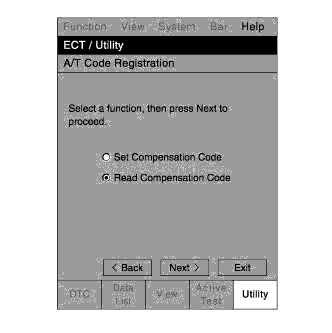 |
Select "Read Compensation Code".
Press "Next".
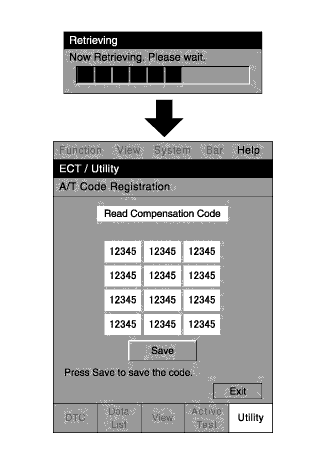 |
Press "Save".
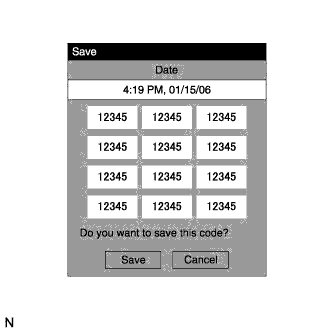 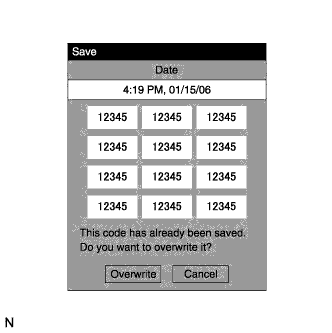 |
Press "Save" or "Overwrite".
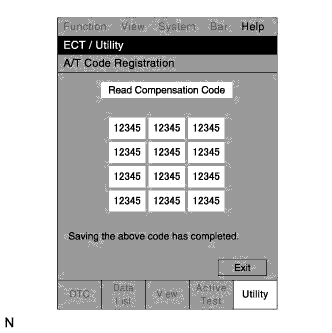 |
Press "Exit".
Turn the ignition switch off.
Replace the TCM.
Set the transaxle compensation code.
Turn the ignition switch on.
Turn the tester on.
|
Enter the menu items in this order: Powertrain / ECT / Utility / A/T Code Registration.
Press "Next".
|
Press "Next" again to proceed.
|
Select "Set Compensation Code".
Press "Next".
|
Press "Open".
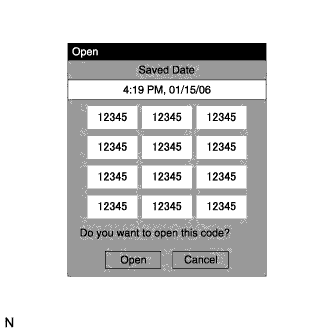 |
Press "Open" again to proceed.
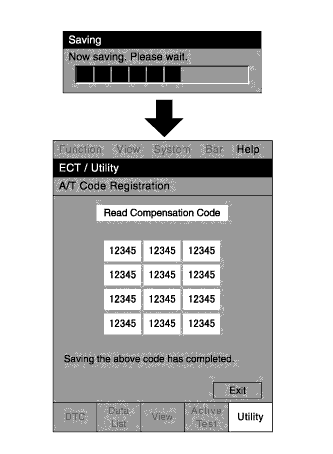 |
Press "Exit".