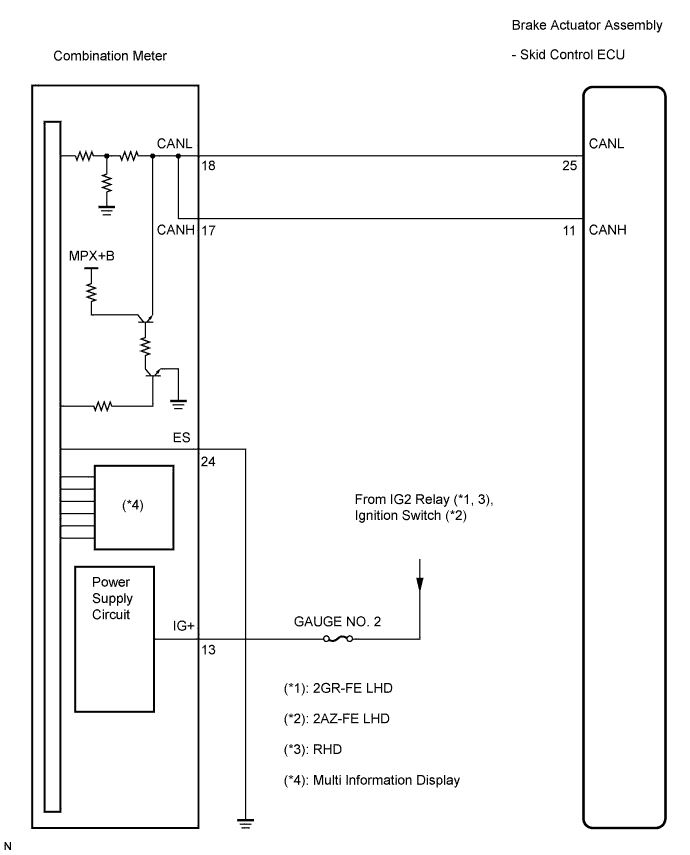
VEHICLE STABILITY CONTROL SYSTEM > VSC Warning Light does not Come ON |
| 1.CHECK CAN COMMUNICATION SYSTEM |
Check if the CAN communication system DTC is output (Click here for LHD, or Click here for RHD).
| Condition | Proceed to |
| DTC is not output | A |
| DTC is output | B |
|
| ||||
| A | |
 |
| 2.CHECK VSC WARNING LIGHT |
Connect the intelligent tester to the DLC3.
Start the engine.
Select "VSC Warning Lamp" in the Active Test and operate the multi information display using the intelligent tester.
| Item (Display) | Vehicle Condition / Test Details | Diagnostic Note |
| VSC Warning Lamp | Turn multi information display ON / OFF | Observe combination meter |
Check that "ON" and "OFF" of the multi information display are indicated on the combination meter when using the intelligent tester.
|
| ||||
| NG | |
|
| 3.INSPECT COMBINATION METER ASSEMBLY |
Turn the ignition switch off.
Perform Active Test of the combination meter (meter CPU) using the intelligent tester (Click here).
|
| ||||
| OK | ||
 | ||
| ||
