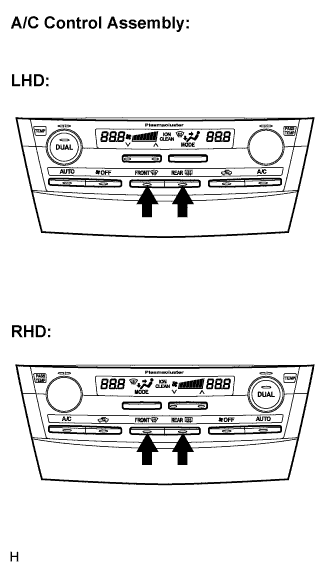
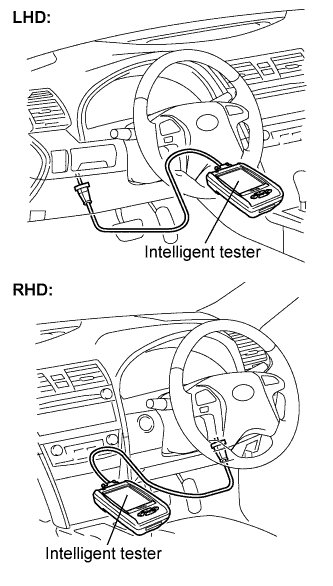
Start the engine and warm it up.
Perform the indicator check (Click here).
- HINT:
- After the indicator check is completed, the system enters the DTC check mode automatically.
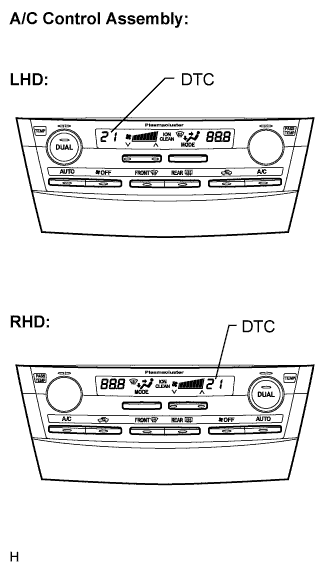 |
Read the code displayed on the panel. (Trouble codes are output on the temperature display.)
- NOTICE:
- In the sensor check mode, which is automatically transferred from the indicator check mode, troubleshooting may be partially performed. Be sure to perform the actuator check, and then the sensor check again.
- If the check is performed in a dark place, DTC 21 or 24 may be displayed even though the system is normal.
- HINT:
- Refer to the DTC chart (Diagnostic Trouble Code chart) for details of the codes (Click here).
- When there are no problems, DTC 00 is output.
- As an example, the illustration shows that display code 21 is output.
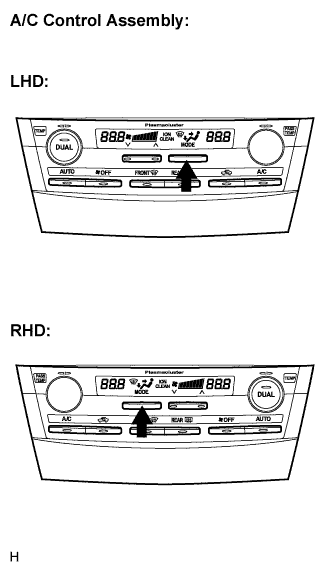 |
If the steps are difficult to read because they change automatically, push the "MODE" switch to display the steps one at a time so that they can be read easily. The items are displayed step by step each time the "MODE" switch is pushed.
- Push the "OFF" switch to finish panel diagnosis.
- Push the "R/F" switch to enter the actuator check mode.