Connect the Techstream to the DLC3.
Turn the engine switch on (IG).
Turn the Techstream on.
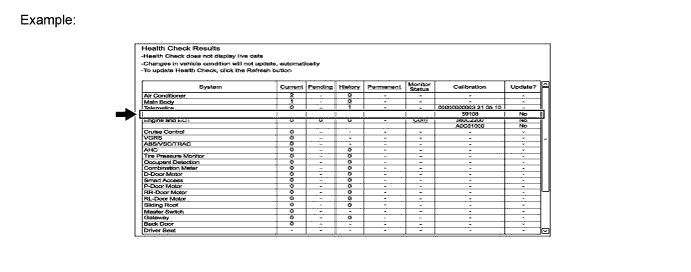
Click "Health Check".
Verify if updates are available for the currently installed PRL version (Yes or No).
If "Yes" is listed, click it. A TIS webpage will open with Calibration Search Results.
Click on the latest service bulletin (TSB) link.
Save the file (.CUW) from the TSB.
Exit the Techstream application.
Run the file to launch Calibration Update Wizard (CUW).
Follow the CUW steps.