 |
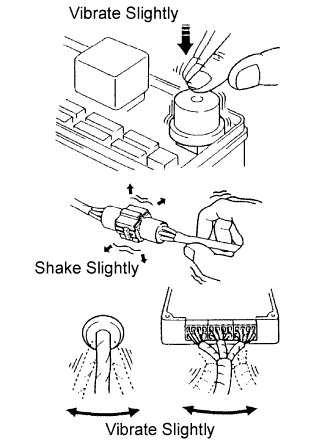
Vibration method: When vibration seems to be the major cause.
- HINT:
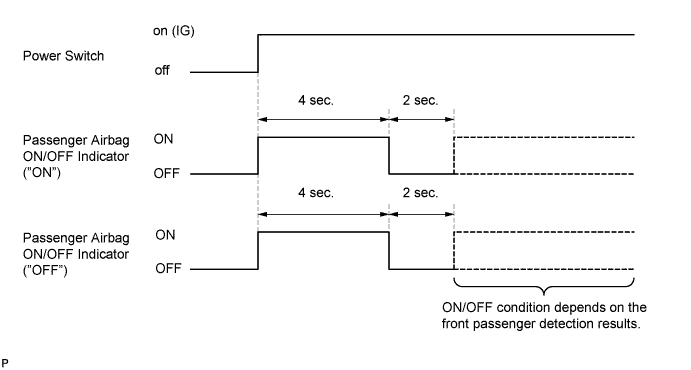
- Perform the simulation method only during the primary check period (for approximately 6 seconds after the power switch is turned on (IG)).
Slightly vibrate the part of the sensor considered to be the problem cause with your fingers and check whether the malfunction occurs.
- HINT:
- Shaking the relays too strongly may result in open relays.
Slightly shake the connector vertically and horizontally.
Slightly shake the wire harness vertically and horizontally.
The connector joint and fulcrum of the vibration are the major areas to be checked thoroughly.
Simulation method for DTC B1794:
Turn the power switch from the off to on (IG), hold it for 10 seconds, and back to off again 50 times in a row.
- HINT:
- DTC B1794 is output if the occupant classification ECU receives the power switch off to on (IG) to off signal 50 times in a row when a malfunction occurs in the power circuit for the occupant classification system.