 |
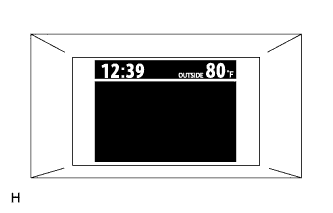
Keep pressing the DISP switch more than 1 second to display the set up screen.
CLOCK SYSTEM > ADJUSTMENT |
| 1. ADJUST CLOCK ASSEMBLY |
Turn the power switch on (READY).
|
Keep pressing the DISP switch more than 1 second to display the set up screen.
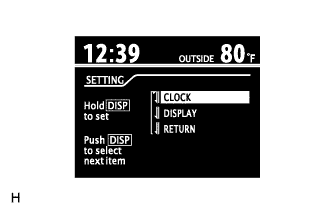 |
Select the "CLOCK" to adjust time.
Keep pressing the DISP switch more than 1 second to enter the adjustment mode.
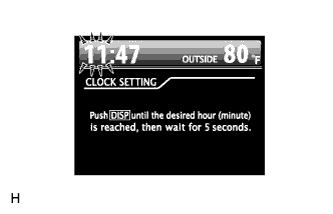 |
After adjusting the hours, wait 5 seconds or more to allow the hours to be automatically input.
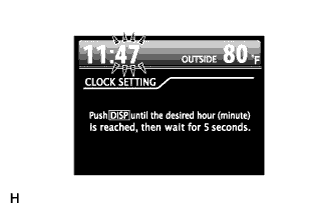 |
After adjusting the minutes, wait 5 seconds or more to allow the minutes to be automatically input.