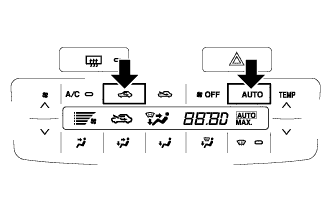
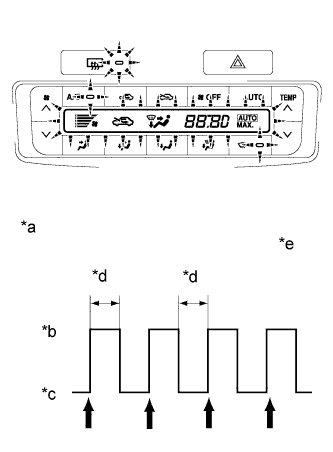
After the indicator check is completed, check that the system enters the DTC check mode automatically.
- HINT:
- Press the OFF switch to cancel the check mode.
- In the sensor check mode, troubleshooting may be only partially completed. Be sure to perform the actuator check, and then perform the sensor check again.
Text in Illustration
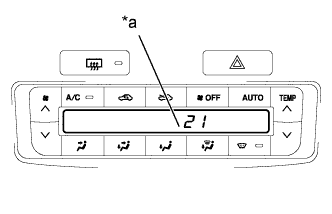
*a
| Diagnostic Trouble Code (DTC)
|
Read the DTCs displayed on the panel (temperature display). Refer to the list of DTCs (Click here) when reading the codes.
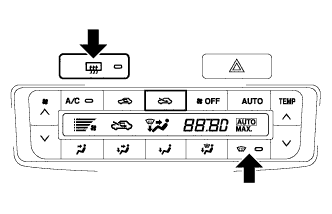
If manual switching of the DTC display is desired, press the front DEF switch. This will stop the automatic progression of the DTC display. The DTC display can then be advanced manually by pressing the front DEF switch.