1GD-FTV ENGINE CONTROL ECD SYSTEM(for i-ART) REGISTRATION
PROCEDURE

 1. LEARNING VALUES CONFIRMATION
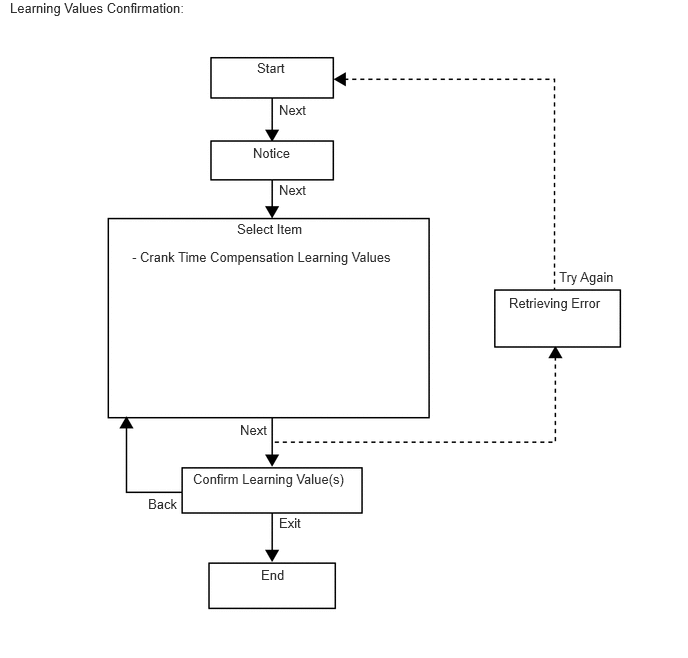
This procedure uses the GTS to display the learned value (crank time compensation learning value) stored in the ECM.
- HINT:
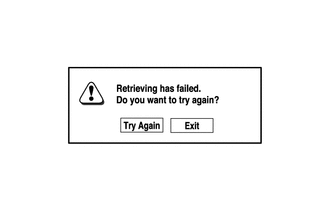
A malfunction may occur when reading the values if there is a problem with the ECM, a wire harness or the connection to the DLC3. If the wire harnesses and the connection to the DLC3 are inspected and found to be normal, the ECM may be malfunctioning.
Connect the GTS to the DLC3.
Turn the engine switch on (IG) and turn the GTS on.
- NOTICE:
-
Do not start the engine.
Enter the following menus: Powertrain / Engine / Utility / Learning values confirmation.
- Powertrain > Engine > Utility
-
Tester Display Learning Values Confirmation - 50005 234 242
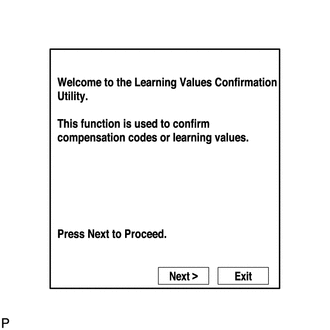
Press "Next".
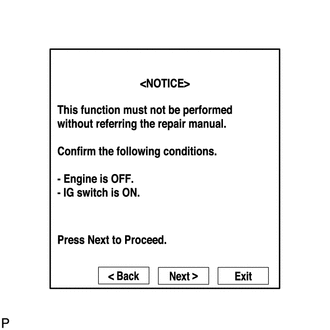
Press "Next" again to proceed.
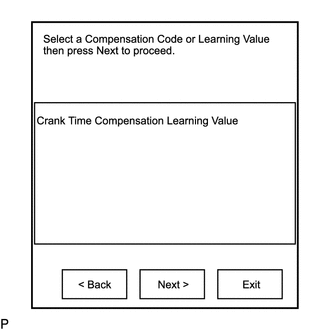
Select the value to confirm and press "Next".
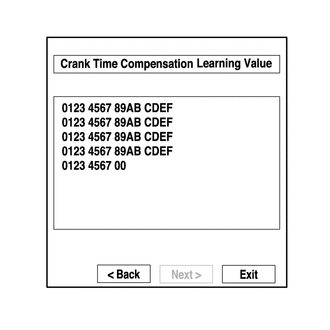
When the next screen is displayed, confirm the contents and press "Exit".
2. LEARNING VALUES SAVE
This procedure uses the GTS to save the learned value stored in the ECM in the GTS depending on the components being replaced.
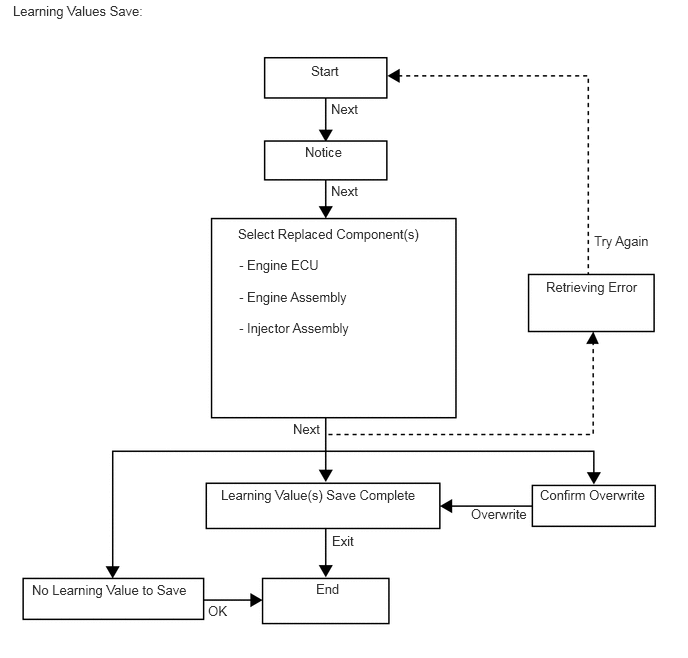
- HINT:
- ·
When replacing the engine assembly, injector assembly together with the ECM, this function automatically determines the data which can be transferred (old data) and saves the data in the GTS.
·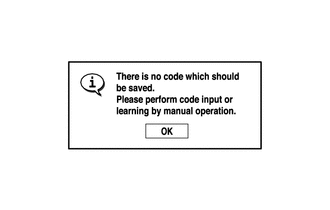
When there is no data to read from the ECM, manually perform the procedure to register each compensation code and learning value in the ECM.
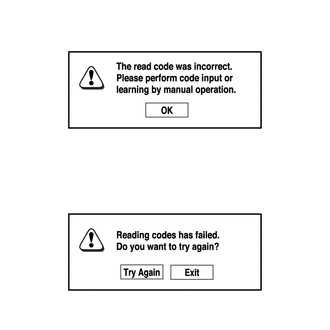
·
A malfunction may occur when reading the values if there is a problem with the ECM, a wire harness or the connection to the DLC3. If the wire harnesses and the connection to the DLC3 are inspected and found to be normal, the ECM may be malfunctioning.
Connect the GTS to the DLC3.
Turn the engine switch on (IG) and turn the GTS on.
- NOTICE:
-
Do not start the engine.
Enter the following menus: Powertrain / Engine / Utility / Learning values save.
- Powertrain > Engine > Utility
-
Tester Display Learning Values Save - 50005 234 240
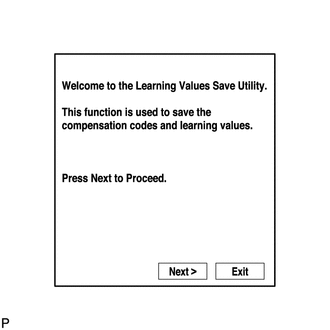
Press "Next".
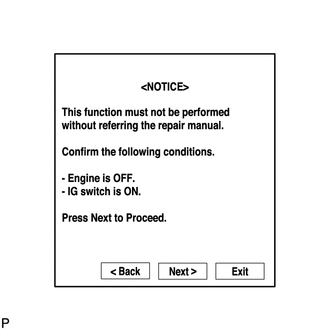
Press "Next" again to proceed.
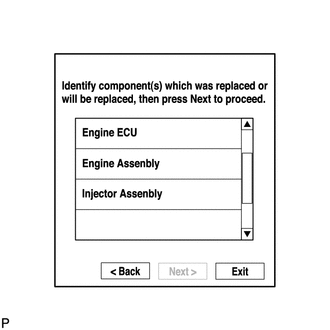
Select any components being replaced and press "Next". If no applicable components are displayed, press "Next" without selecting anything.
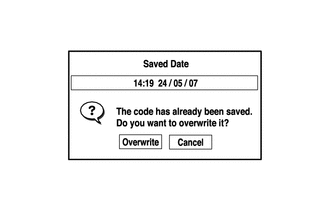
If the overwrite confirmation screen is displayed, press "Overwrite".
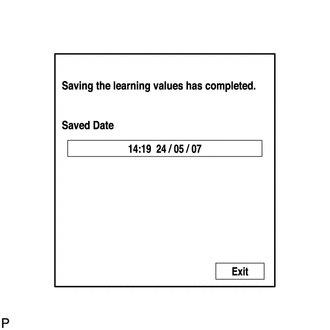
When the operation is finished, confirm the date and time of the save operation, and press "Exit".
3. LEARNING VALUES WRITE
This procedure uses the GTS to write the learned value stored in the GTS to the ECM.
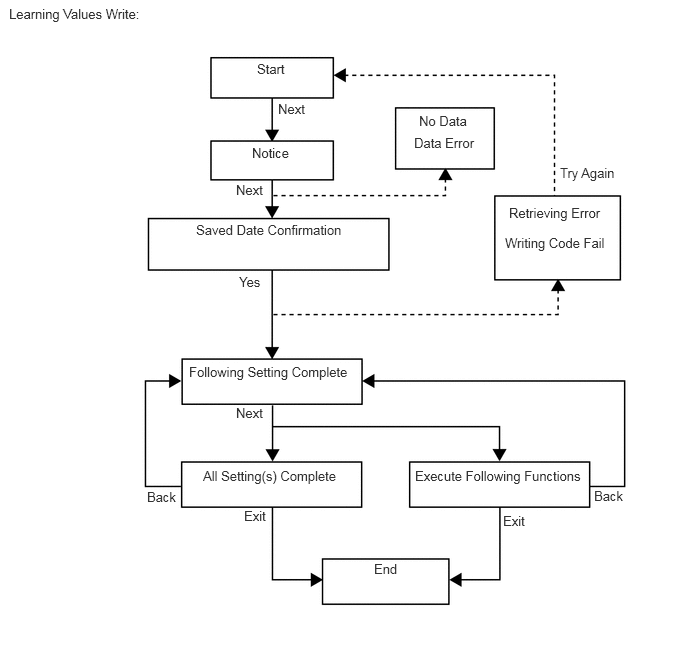
- HINT:
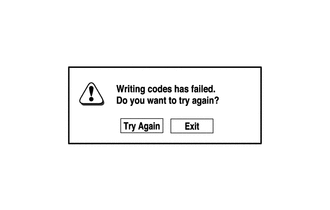
A malfunction may occur when writing the values if there is a problem with the ECM, a wire harness or the connection to the DLC3. If the wire harnesses and the connection to the DLC3 are inspected and found to be normal, the ECM may be malfunctioning.
Connect the GTS to the DLC3.
Turn the engine switch on (IG) and turn the GTS on.
- NOTICE:
-
Do not start the engine.
Enter the following menus: Powertrain / Engine / Utility / Learning values write.
- Powertrain > Engine > Utility
-
Tester Display Learning Values Write - 50005 234 241
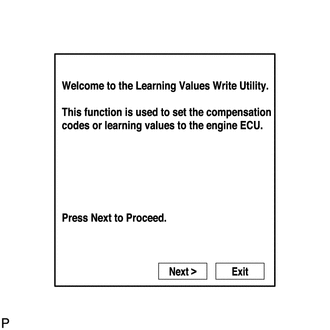
Press "Next".
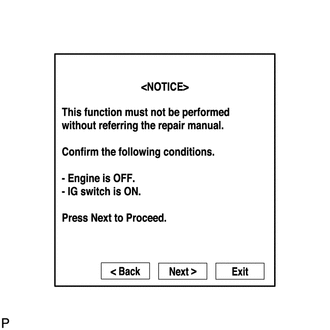
Press "Next" again to proceed.
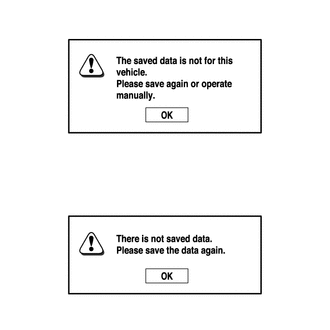
If the "Error Learning Values Write" screen indicating a problem with the saved value(s) or that there are no saved values is displayed, perform "Learning Values Save" again.
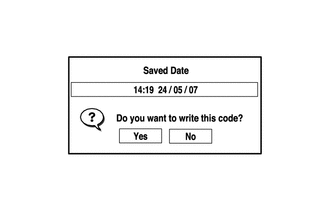
Confirm the date and time of the save operation, and then press "Yes".
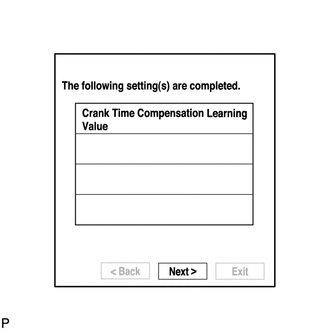
Confirm the contents, and then press "Next".
4. DESCRIPTION OF VIN
- NOTICE:
-
The Vehicle Identification Number (VIN) or frame number must be written into a replacement ECM.
This registration section consists of 2 parts: Read VIN or Frame Number and Write VIN or Frame Number.
Read VIN or Frame Number: This procedure allows the VIN or frame number stored in the ECM to be read in order to confirm that the VINs or frame numbers, provided on the vehicle body and stored in the vehicle ECM, are the same.
Write VIN or Frame Number: This procedure allows the VIN or frame number to be written into the ECM. If the ECM is replaced, or the ECM VIN or frame number and vehicle VIN or frame number do not match, the VIN or frame number can be registered, or overwritten in the ECM by following this procedure.
5. READ VIN OR FRAME NUMBER
Confirm the vehicle VIN or frame number.
Connect the GTS to the DLC3.
Turn the engine switch on (IG).
Turn the GTS on.
Enter the following menus: Powertrain / Engine / Utility / VIN / VIN Read.
- Powertrain > Engine > Utility
-
Tester Display VIN - 50005 234 2384
According to the display on the GTS, read the frame number or VIN stored in the ECM.
6. WRITE VIN OR FRAME NUMBER
Confirm the vehicle VIN or frame number.
Connect the GTS to the DLC3.
Turn the engine switch on (IG).
Turn the GTS on.
Enter the following menus: Powertrain / Engine / Utility / VIN / VIN Write.
- Powertrain > Engine > Utility
-
Tester Display VIN - 50005 234 2384
According to the display on the GTS, write the vehicle frame number or VIN to the ECM.