Connect the intelligent tester to the DLC3.
Turn the ignition switch to ON.
Turn the tester on.
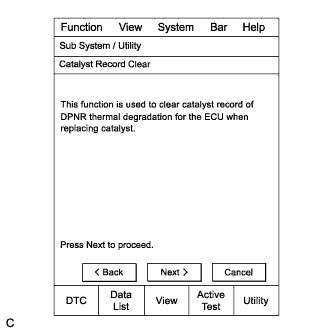 |
Enter the menu options in this order: Powertrain / Engine and ECT / Utility / Catalyst Record Clear.
Press "Next".
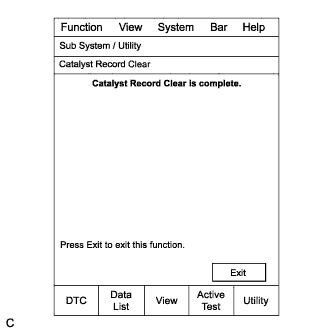 |
Press "Exit".
ECD SYSTEM > INITIALIZATION |
| CATALYST RECORD OF DPNR THERMAL DETERIORATION CLEAR FUNCTION |
Connect the intelligent tester to the DLC3.
Turn the ignition switch to ON.
Turn the tester on.
|
Enter the menu options in this order: Powertrain / Engine and ECT / Utility / Catalyst Record Clear.
Press "Next".
|
Press "Exit".
| SUPPLY PUMP INITIALIZATION PROCEDURE |
 |
Connect the intelligent tester to the DLC3.
Turn the ignition switch to ON.
Turn the intelligent tester on.
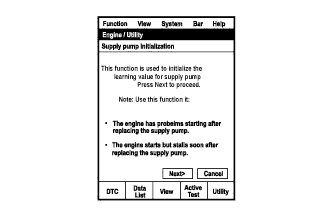
Enter the following menus: Powertrain / Engine and ECT / Utility / Supply Pump Initialization.
Press "Next".
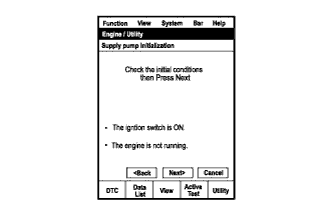 |
Press "Next".
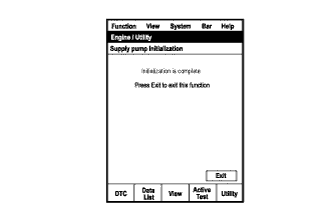 |
Press "Exit".
Start the engine to check if the initialization is complete. If the engine cannot be started, repeat the initialization procedures from the beginning. (Procedure "A")
Idle the engine for at least 1 minute under the following conditions: (Procedure "B")
Initialization is complete.
| CRANK TIME COMPENSATION RESET FUNCTION |
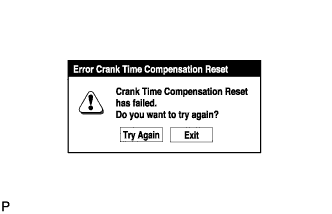 |
Connect the intelligent tester to the DLC3.
Turn the ignition switch to ON.
Turn the intelligent tester on.
Enter the following menus: Powertrain / Engine and ECT / Utility / Crank Time Compensation Reset.
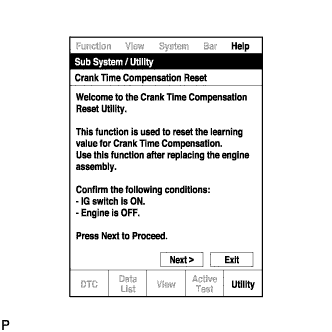 |
When the first screen is displayed, check the vehicle condition and push "Next".
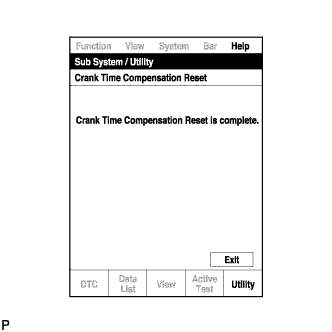 |
When the screen indicating reset completion is displayed, push "Exit".
| A/F SENSOR COMPENSATION RESET FUNCTION |
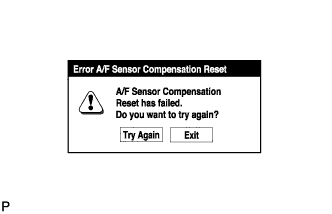 |
Connect the intelligent tester to the DLC3.
Turn the ignition switch to ON.
Turn the intelligent tester on.
Enter the following menus: Powertrain / Engine and ECT / Utility / A/F Sensor Compensation Reset.
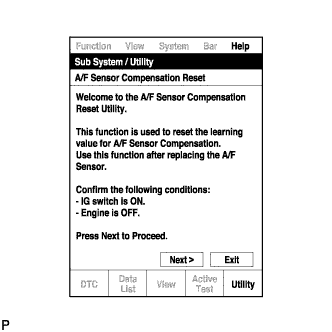 |
When the first screen is displayed, check the vehicle condition and push "Next".
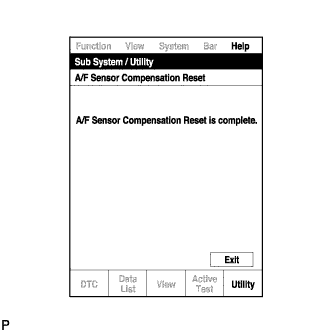 |
When the screen indicating reset completion is displayed, push "Exit".