LIGHTING (EXT) AUTOMATIC HIGH BEAM SYSTEM B124A Automatic High Beam Mirror B124C Automatic High Beam Camera
DESCRIPTION
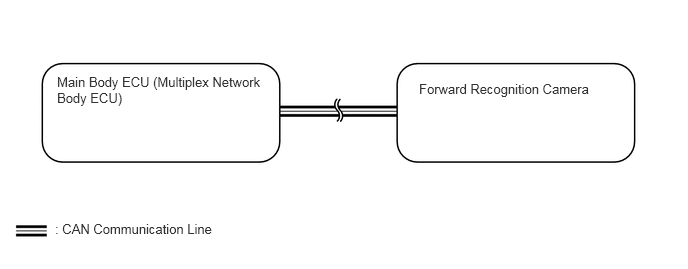
This DTC is stored when the main body ECU (multiplex network body ECU) detects a malfunction in the forward recognition camera.
| DTC No. | Detection Item | DTC Detection Condition | Trouble Area |
|---|---|---|---|
| B124A | Automatic High Beam Mirror | Malfunction in Forward recognition camera (automatic high beam sensor) | ·
Forward recognition camera ·
Main body ECU (multiplex network body ECU) |
| B124C | Automatic High Beam Camera | Malfunction in Forward recognition camera (automatic high beam sensor) | ·
Forward recognition camera ·
Main body ECU (multiplex network body ECU) |
WIRING DIAGRAM
CAUTION / NOTICE / HINT
- NOTICE:
- ·
Confirm that there are no CAN communication system malfunctions before performing the following inspection.
·If the main body ECU (multiplex network body ECU) is replaced, refer to Registration.
·When replacing the forward recognition camera, always replace it with a new one. If a forward recognition camera which was installed to another vehicle is used, the information stored in the forward recognition camera will not match the information from the vehicle. As a result, a DTC may be stored.
·If the forward recognition camera has been replaced with a new one, be sure to perform Recognition Camera/Target Position Memory and Recognition Camera Axis Adjust.
PROCEDURE
Check that a forward recognition camera system.
- Result:
Proceed to NEXT
NEXT