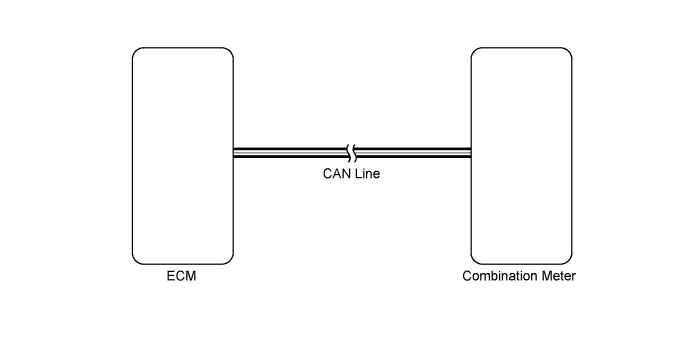
METER / GAUGE SYSTEM > Tachometer Malfunction |
| 1.CHECK DTC |
Use the Techstream to check if the CAN communication system is functioning normally (Click here).
| Result | Proceed to |
| CAN communication system DTC is not output | A |
| CAN communication system DTC is output | B |
|
| ||||
| A | |
 |
| 2.PERFORM ACTIVE TEST USING TECHSTREAM (TACHOMETER) |
Connect the Techstream to the DLC3.
Turn the ignition switch to ON.
Turn the Techstream ON.
Enter the following menus: Body Electrical / Combination Meter / Active Test.
According to the display on the Techstream, perform the Active Test.
| Tester Display | Test Part | Control Range | Diagnostic Note |
| Tacho Meter Operation | Tachometer | 0, 1000, 2000, 3000, 4000, 5000, 6000 or 7000 | - |
|
| ||||
| OK | |
|
| 3.READ VALUE USING TECHSTREAM (TACHOMETER) |
Connect the Techstream to the DLC3.
Turn the ignition switch to ON.
Turn the Techstream ON.
Enter the following menus: Body Electrical / Combination Meter / Data List.
According to the display on the Techstream, read the Data List.
| Tester Display | Measurement Item/Range | Normal Condition | Diagnostic Note |
| Engine Rpm | Engine speed/Min.: 0, Max.: 12750 | Idling: 650 to 750 | Unit: rpm |
|
| ||||
| OK | ||
 | ||
| ||
| 4.READ VALUE USING TECHSTREAM (ENGINE SPEED) |
Connect the Techstream to the DLC3.
Turn the ignition switch to ON.
Turn the Techstream ON.
Enter the following menus: Powertrain / Engine / Data List.
According to the display on the Techstream, read the Data List.
| Tester Display | Measurement Item/Range | Normal Condition | Diagnostic Note |
| Engine Speed | Engine speed/Min.: 0, Max.: 16838 | Idling: 650 to 750 | Unit: rpm |
| Result | Proceed to |
| Engine speed displayed on the Techstream is almost same as actual engine speed | A |
| Engine speed displayed on the Techstream is not same as actual engine speed (for 2UZ-FE) | B |
| Engine speed displayed on the Techstream is not same as actual engine speed (for 3UR-FE) | C |
| Engine speed displayed on the Techstream is not same as actual engine speed (for 3UR-FBE) | D |
|
| ||||
|
| ||||
|
| ||||
| A | ||
| ||
| ||

