| Inspection |
| 1. |
It will be able to diagnose defects of IMS
with GDS quickly. GDS can operates actuator forcefully, input/output
value monitoring and self
diagnosis. |
| 2. |
Select model and "IPM - Power seat
module". |
| 3. |
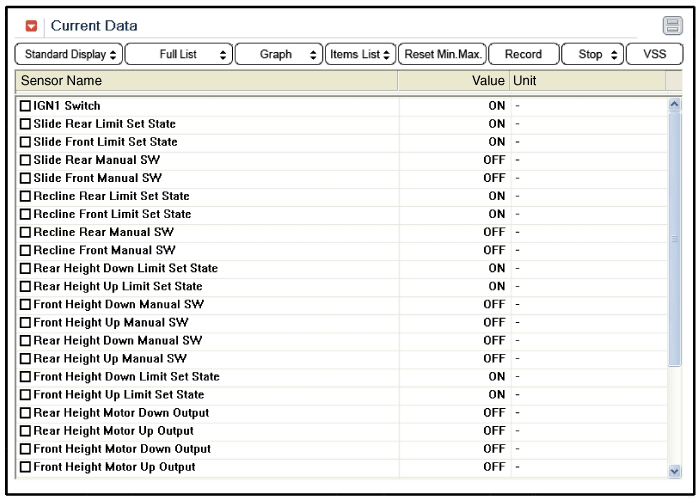
Select "Input/output monitoring", if you will
check current data of body network system. It provides input/output
status of each module.
|
| 4. |
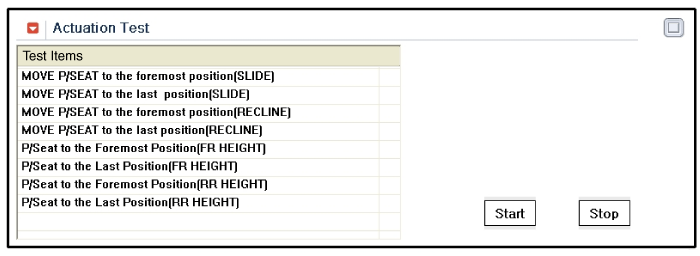
If you will check each module data operation
forcefully, select "Actuation test".
|
| 5. |
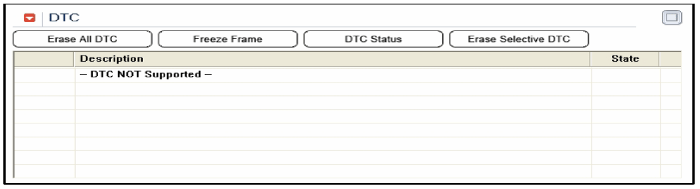
To check the DTC of the each module, select
"DIAGNOSTIC TROUBLE CODES"
|
| 6. |
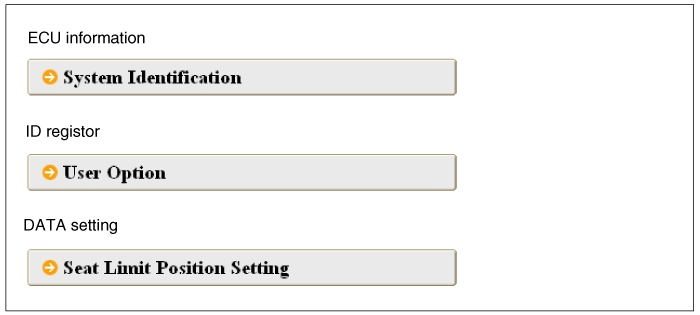
You can turn ON/OFF of Power seat module
option with the "User option"
|
| 7. |
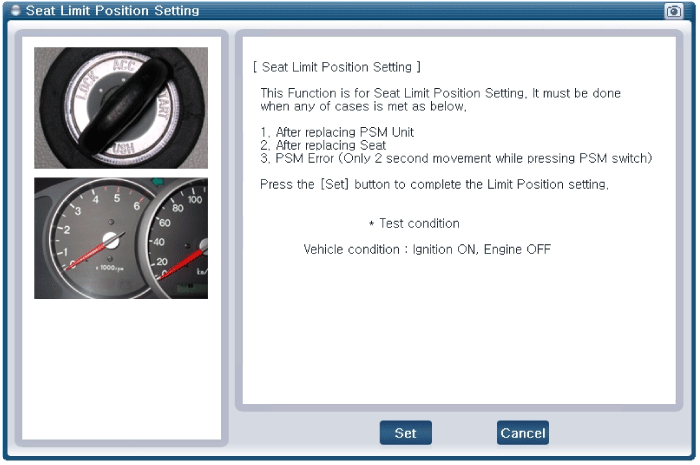
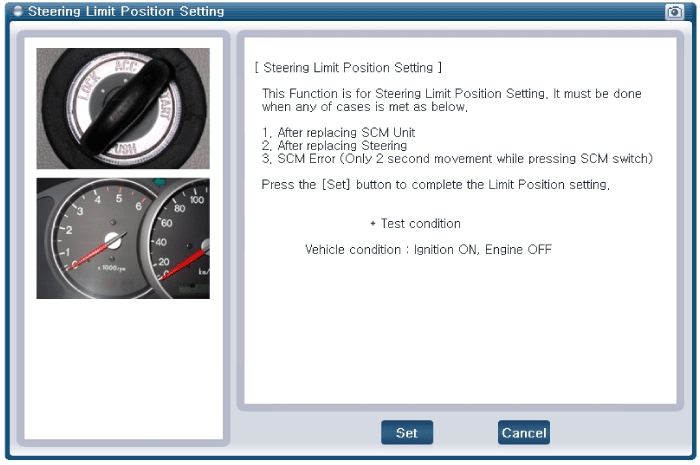
Select the "Data setting" to set the seat
position setting when replacing the IMS unit or seat
module.
|
| 8. |
Click the "Set".
|
| 9. |
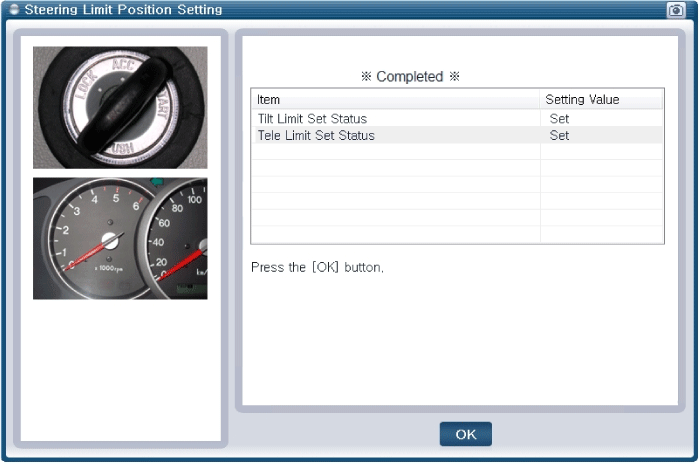
Click the "OK" to complete the set up
procedure.
|
| Removal |
| 1. |
Disconnect the negative (-) battery
terminal. |
| 2. |
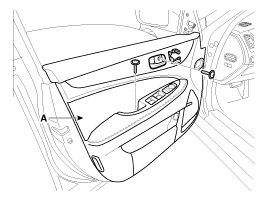
Remove the door trim (A) after loosening
mounting screws.
|
| 3. |
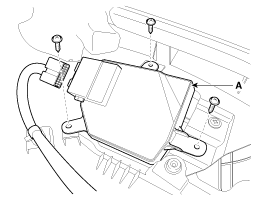
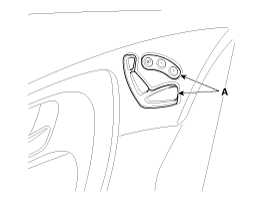
Remove the memory power seat control switch
(A) after loosening connector and screws (3EA) from the door
trim.
|
| Installation |
|

| 1. |
Install the memory power seat control switch
after connecting the switch
connector. |
| 2. |
Install the driver door
trim. |
| 3. |
Install the negative (-) battery
terminal. |