CIRCUIT INSPECTION
|
DTC |
B1400 |
Satellite left side defect |
|
B1403 |
Satellite right side defect | |
|
B1409 |
Satellite left communication
error | |
|
B1410 |
Satellite right communication
error | |
|
B1414 |
Satellite left side sensor wrong
ID | |
|
B1415 |
Satellite right side sensor wrong
ID |
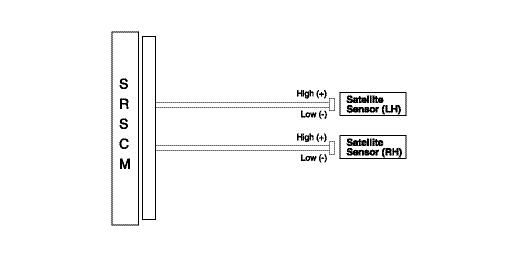
CIRCUIT DESCRIPTION
The release
system for the airbag consists of the SRSCM and two satellites - one on
the left - hand side and one on the right. The above DTCs are recorded
when a defect or communication error of the satellite is detected in the
satellite circuit.
WIRING DIAGRAM
INSPECTION PROCEDURE
| 1. |
Preparation (See step "1" on page
RT-33). |
| 2. |
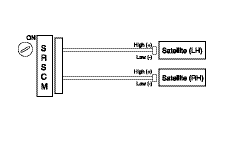
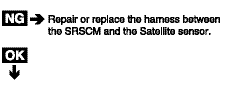
Check satellite circuit (communication
error).
[PREPARATION]
Check continuity between the SRSCM connector
and the satellite connector as high (+) and high, low (-) and low
(-).
OK : Continuity
|
| 3. |
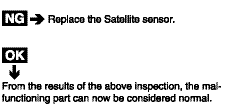
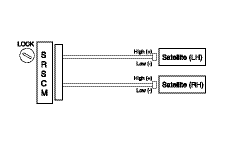
Check the satellite sensor
(defect).
[PREPARATION]
[CHECK]
[HINT]
Codes other than these may be output at this
time, but they are not relevant to this check.
|