| Removal |
| 1. |
Remove the ignition key from the
vehicle. |
| 2. |
Disconnect the battery negative cable and
wait for at least three minutes before beginning
work. |
| 3. |
Disconnect the DAB, PAB, SAB, CAB and BPT
connectors. |
| 4. |
Remove the floor console and heater ducts.
(Refer to BD group) |
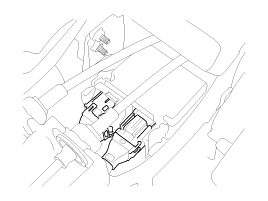
| 5. |
Disconnect the SRSCM harness connector from
the SRSCM.
|
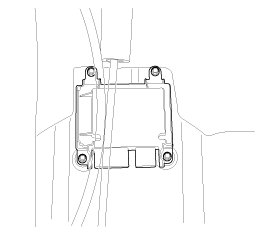
| 6. |
Remove the SRSCM mounting bolts(4EA) from
the SRSCM, then remove the SRSCM.
|
| Installation |
| 1. |
Remove the ignition key from the
vehicle. |
| 2. |
Disconnect the battery negative cable and
wait for at least three minutes before beginning
work. |
| 3. |
Install the SRSCM with the SRSCM mounting
bolts.
|

| 4. |
Connect the SRSCM harness
connector. |
| 5. |
Install the heater ducts and floor console.
(Refer to BD group) |
| 6. |
Connect the DAB, PAB, SAB, CAB and BPT
connectors. |
| 7. |
Reconnect the battery negative
cable. |
| 8. |
After installing the SRSCM, confirm proper
system operation:
|

| Variant coding |
After replacing the
SRSCM with a new one, must be performed “Variant Coding”
procedure.
|
Variant coding Procedure
| ■ On-Line type on GDS |
| 1. |
Ignition "OFF", connect
GDS. |
| 2. |
Ignition "ON" & Engine "OFF" select
vehicle name and airbag system. |
| 3. |
Select Variant coding
mode. |
| 4. |
Follow steps on the screen as
below. |
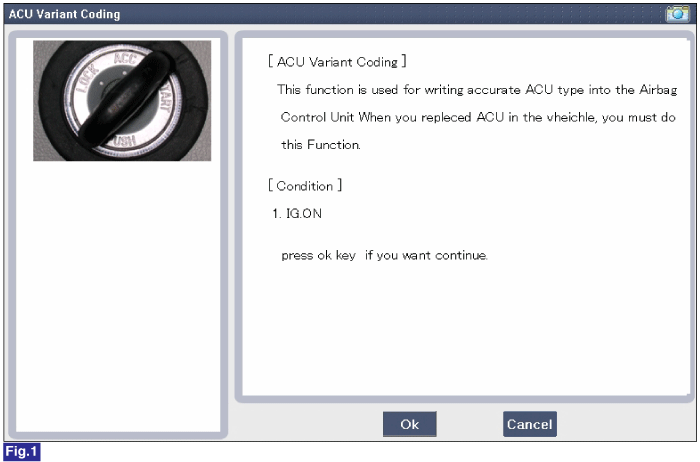
1) Initial ACU
Variant Coding screen
2) VIN Code entering
screen
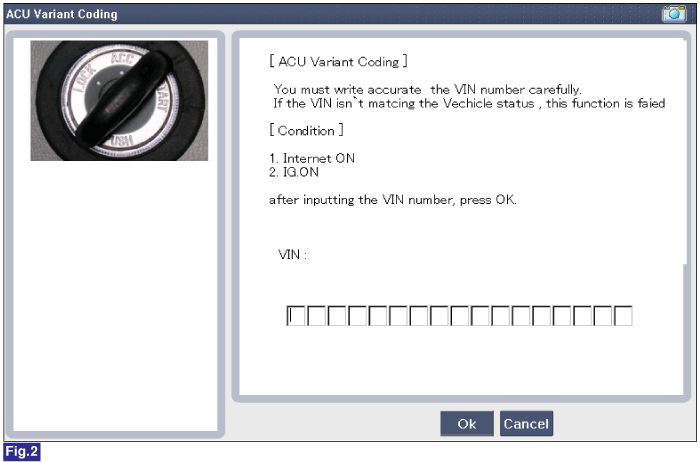
3) Variant coding's
proceeding screen-1
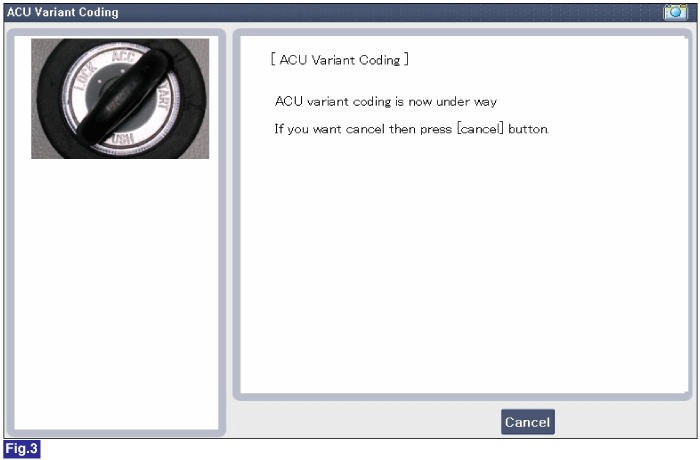
4) Variant coding's
proceeding screen-2
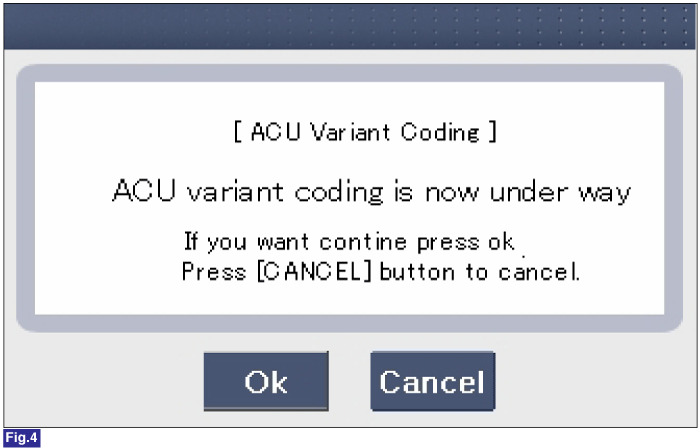
5) Variant coding is
completed
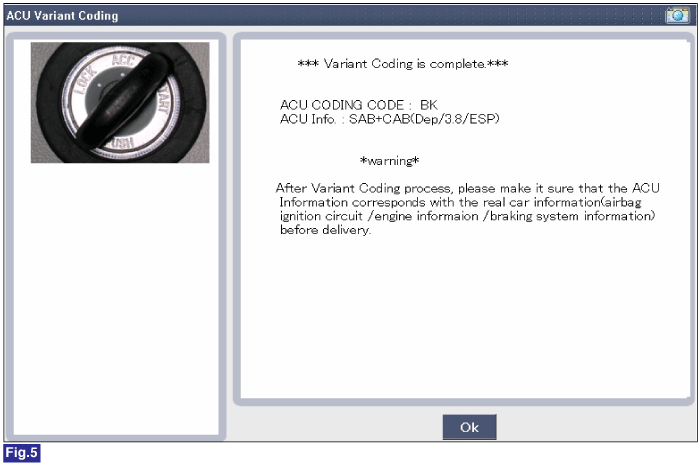
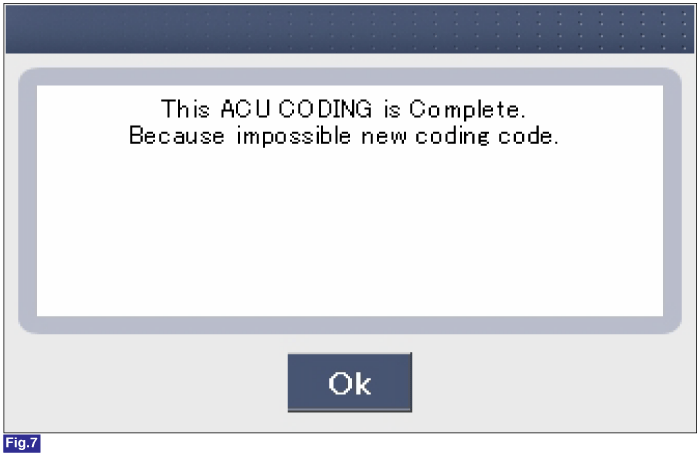
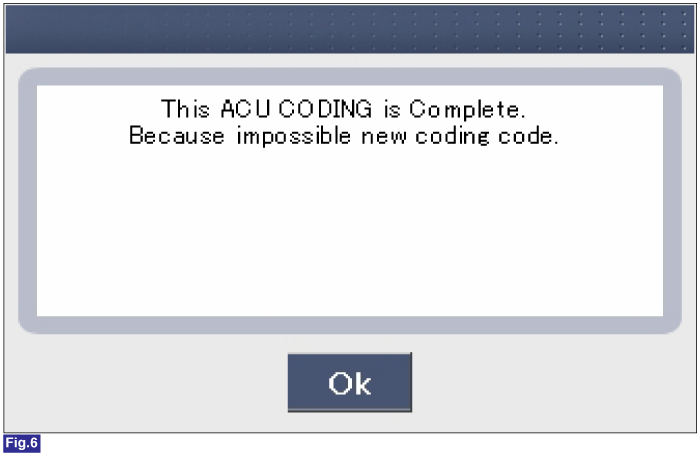
1) This screen is opened when you try the
variant coding again on the SRSCM which has bee performed variant
coding.
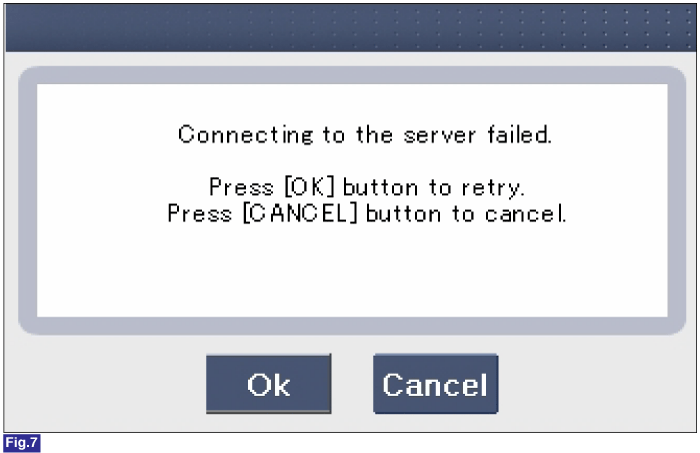
2) Screen of communication
failure
|
■
Off-line type on GDS (This can be used when not connecting to
internet)
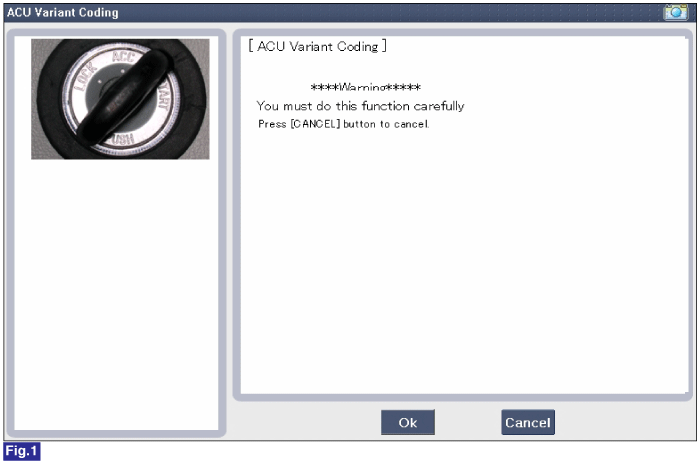
1) Initial ACU
Variant Coding screen
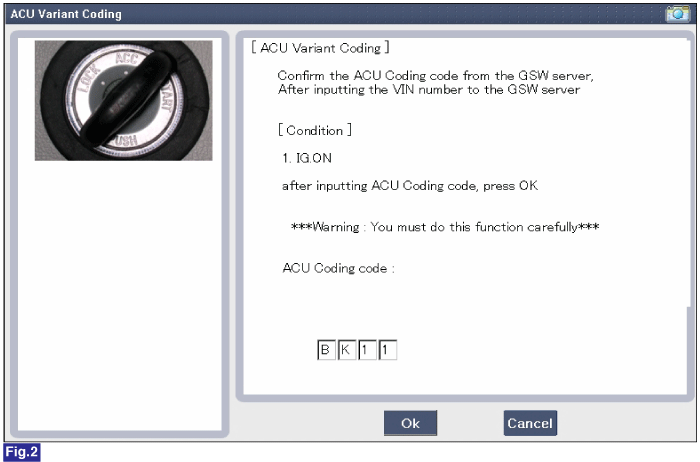
2) ACU CODING Code
entering screen
3) Screen of
rechecking ACU CODING code's entering
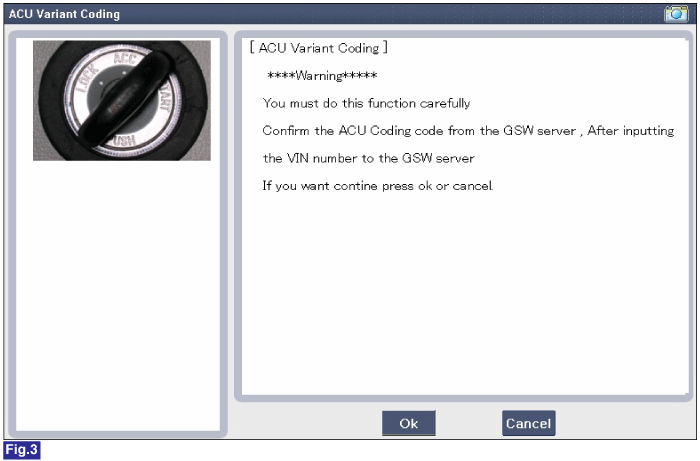
4) Variant coding's
proceeding screen-1
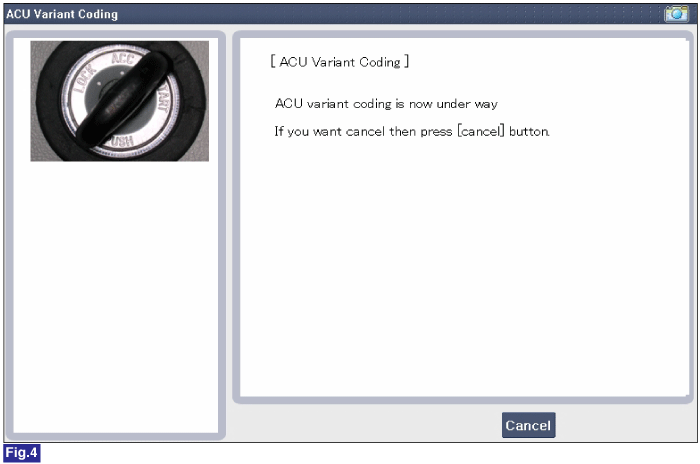
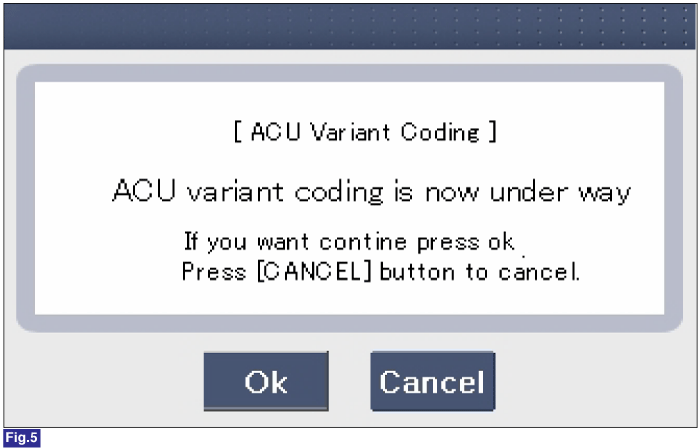
5) Variant coding's
proceeding screen-2
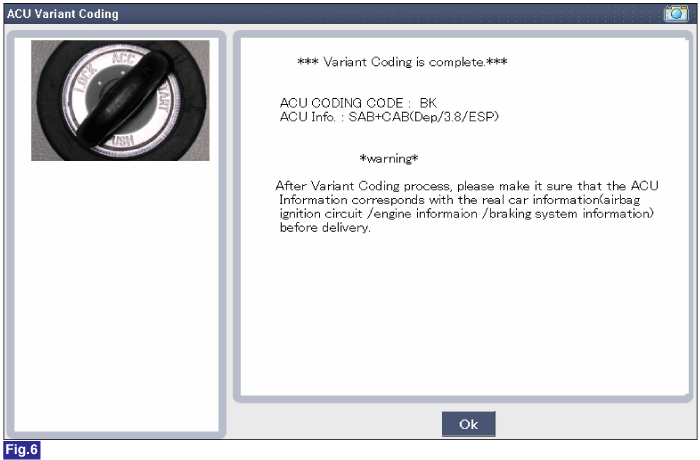
6) Variant coding is
completed
1) Screen of Retrying the Variant coding
after finishing variant coding
|