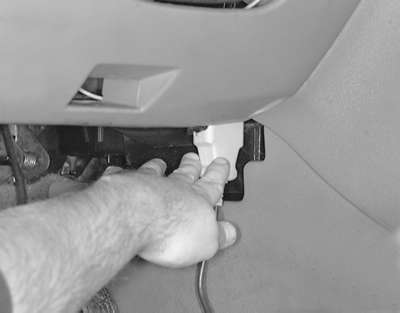
| Fig. 1: Plug the scan tool into the DLC under the driver's
side of the instrument panel
|
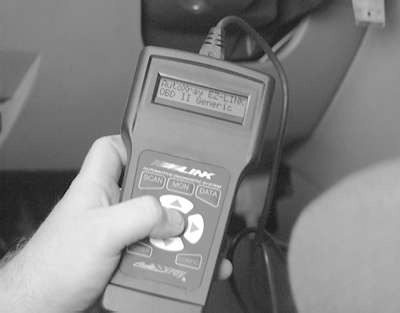
| Fig. 2: Follow the directions on the scan tool screen
to retrieve the DTC's
|
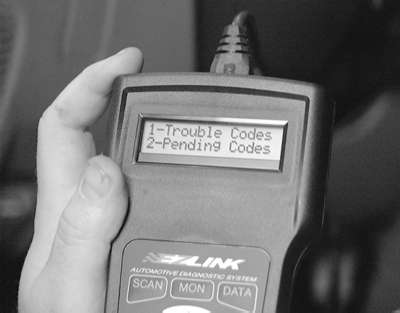
| Fig. 3: In this case, we would choose 1-Trouble Codes
to retrieve the DTC's
|
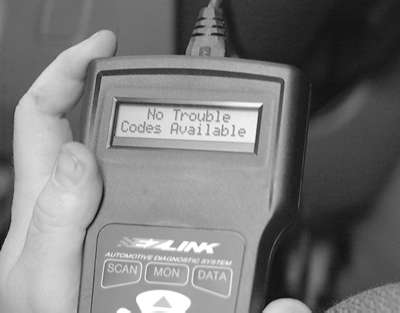
| Fig. 4: The PCM in this vehicle contains no DTC's
|
The Diagnostic Link Connector (DLC), under the left-hand side of the instrument panel, must be located to retrieve any DTC's.
Reading the control module memory is on of the first steps in OBD II system diagnostics. This step should be initially performed to determine the general nature of the fault. Subsequent readings will determine if the fault has been cleared.
Reading codes can be performed by any of the methods below:
To read the fault codes, connect the scan tool or tester according to the manufacturer's instructions. Follow the manufacturer's specified procedure for reading the codes.