AUDIO / VIDEO REAR SEAT ENTERTAINMENT SYSTEM OPERATION CHECK
ENTER DIAGNOSTIC MODE
Enter diagnostic mode (See page Audio / Visual / Telematics>AUDIO / VIDEO>REAR SEAT ENTERTAINMENT SYSTEM>DTC CHECK / CLEAR).
REAR CHECK
- HINT:
- ·
Use the television switch and volume assembly for each inspection.
·This mode checks the color display on the television display assembly.
·Illustrations may differ from the actual vehicle depending on the device settings and options. Therefore, some detailed areas may not be exactly the same as on the actual vehicle.
·The television display assembly is not a touch panel type. Do not touch the screen.
Color Bar Check
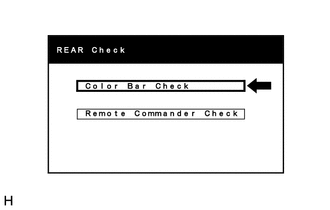
Select "Color Bar Check" from the "REAR Check" screen.
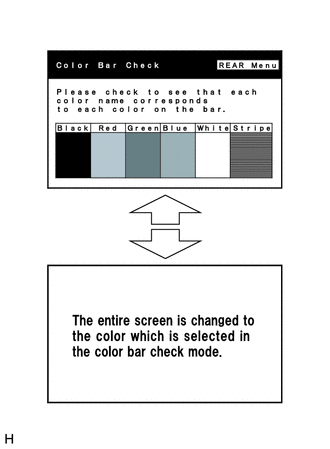
Select a color bar from the "Color Bar Check" screen.
Check the display color.
- HINT:
- ·
The entire screen turns to the color or stripe which is selected.
·The screen returns to the "Color Bar Check" screen if the television switch and volume assembly is operated again.
Remote Commander Check
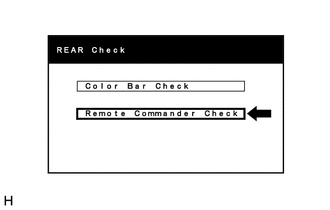
Select "Remote Commander Check" from the "REAR Check" screen.
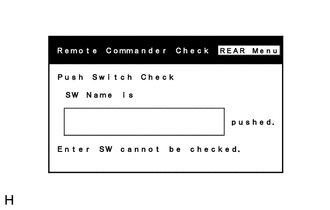
Operate each switch and check that the switch name and condition are correctly displayed.