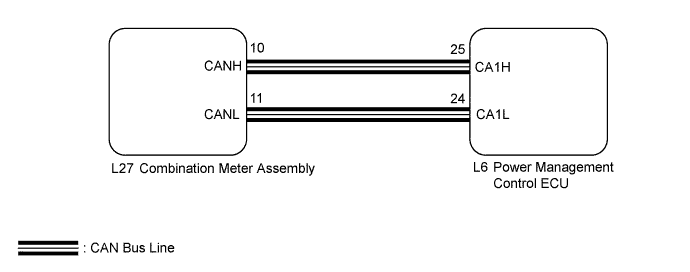
CRUISE CONTROL SYSTEM > Cruise Main Indicator Light Circuit |
| 1.PERFORM ACTIVE TEST USING TECHSTREAM |
Connect the Techstream to the DLC3.
Turn the power switch on (IG).
Turn the Techstream on.
Enter the following menus: Body Electrical / Combination Meter / Active Test.
Check the cruise main indicator light by performing the Active Test.
| Techstream Display | Test Part | Control Range | Diagnostic Note |
| Indicat. Lamp Cruise | Cruise main indicator light | ON / OFF | - |
|
| ||||
| OK | |
 |
| 2.READ VALUE USING TECHSTREAM |
Connect the Techstream to the DLC3.
Turn the power switch on (IG).
Turn the Techstream on.
Enter the following menus: Powertrain / Cruise Control / Data List.
Check the Data List for proper functioning of the cruise main indicator light.
| Techstream Display | Measurement Item/Range | Normal Condition | Diagnostic Note |
| CCS Indicator M-CPU | Cruise main indicator (M-CPU) / ON or OFF | ON: Cruise main indicator light on OFF: Cruise main indicator light off | - |
|
| ||||
| OK | ||
 | ||
| ||
