BODY ELECTRICAL METER GENERAL/CONTROL/DETAILS COMBINATION METER
GENERAL
Multi-information Display
The multi-information display has four displays.
| Display | Outline |
|---|---|
| Cruise Information | ·
In the cruise information display, five types of information (average fuel economy, current fuel economy, distance to empty, trip timer, and average speed) can be displayed. ·
The display can be switched by using the INFO switch in the drive monitor switch. |
| Cruise Information
·
Odometer |
Displays a zoom-in view of the odometer. |
| Dynamic Laser Cruise Control | Display the operating condition of the dynamic laser cruise control. |
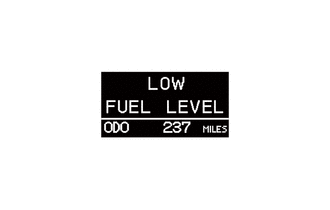
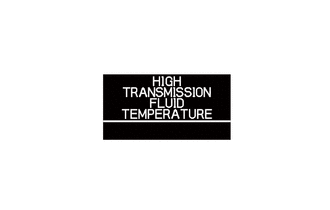
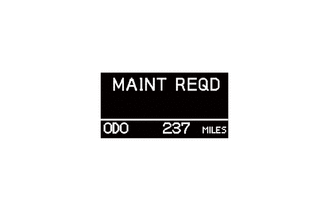
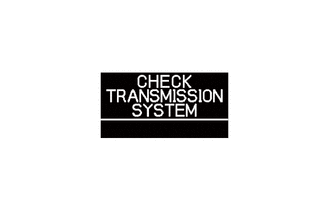
| Warning | The warning display will interrupt the multi-information display immediately when a warning occurs. |
| Customize | ·
The settings of nine items can be changed on the customize display. ·
The display can be switched by using the SETUP switch. ·
The customizing value can be selected by using the SELECT RESET switch. |
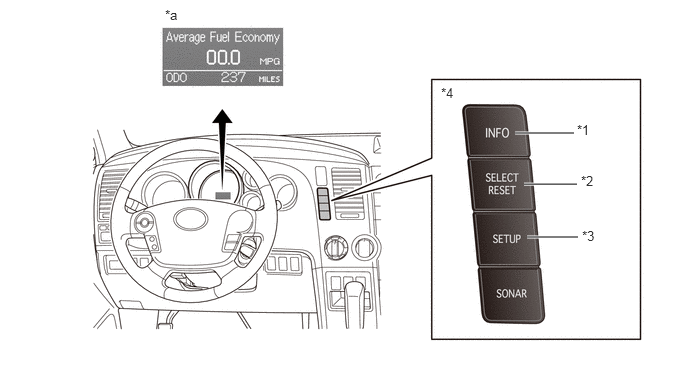
| *1 | INFO Switch | *2 | SELECT RESET Switch |
| *3 | SETUP Switch | *4 | Drive Monitor Switch |
| *a | Multi-information Display | - | - |
The multi-information display modes can be switched as shown in the flow chart below:
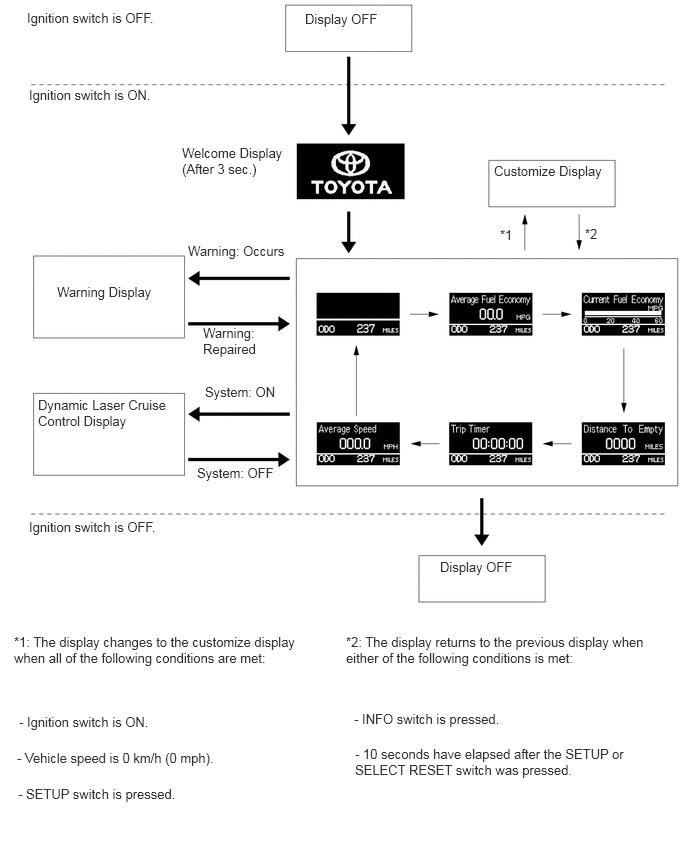
Cruise Information Display
The cruise information is displayed in the following order each time the INFO switch is pressed.
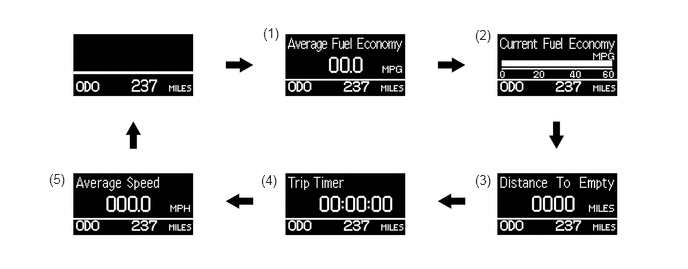
| Information | Outline | |
|---|---|---|
| (1) | Average Fuel Economy | ·
Displays a value that has been calculated by the combination meter, which is based on the distance driven and the fuel consumption volume (fuel injection signal from the No. 1 cylinder). ·
This display is updated every 10 seconds. |
| (2) | Current Fuel Economy | ·
Displays a value that has been calculated by the combination meter. When the ignition switch is turned ON, the combination meter calculates this value based on the distance driven and the fuel consumption volume (fuel injection signal from the No. 1 injector). ·
This display is updated every 0.5 seconds. |
| (3) | Distance to Empty | ·
Displays the value that has been calculated by the meter ECU. This calculation is based on the fuel consumption data that the meter ECU continuously monitors and stores in its memory and the residual fuel volume data, provided that the ignition switch is turned ON. ·
The display is updated every 1 mile (1 km). |
| (4) | Trip Timer | ·
Calculates and displays the elapsed time since the engine start signal was input into the meter ECU. ·
The display is updated every second. |
| (5) | Average Speed | ·
Calculates and displays the elapsed time since the engine start signal and vehicle speed signal were received by the combination meter. ·
This display is updated every 10 seconds. |
Warning Display
When a warning is necessary, the warning display interrupts the multi-information display.
The master warning light may illuminate or blink and the buzzer may sound depending on the item in the multi-information display.
| Warning | Detail | 
|
Buzzer |
|---|---|---|---|
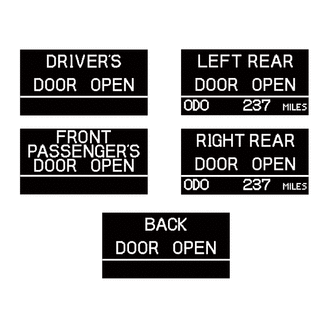
|
Any door is open. | Blinks* | Sounds* |

Warning Light: Illuminates |
|||
|
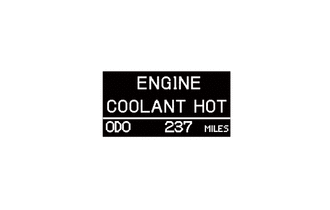
Engine coolant temperature is more than 120 °C (248 °F). | Blinks | Sounds |
|
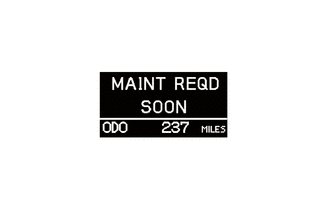
Comes on approximately 4500 miles after the engine oil is changed. | Illuminates | Sounds |
|
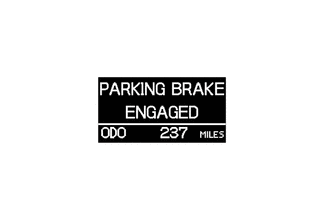
Parking brake is still engaged when the vehicle has reached a speed of 5 km/h (3 mph). | Blinks | Sounds |
|
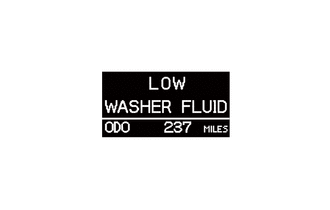
Washer fluid level is low. | Illuminates | Sounds |
|
Fuel level is low. | - | Sounds |
|
ATF temperature is high. | - | Sounds |
|
Comes on approximately 5000 miles after the engine oil is changed. | Illuminates | Sounds |
|
This message appears when the transmission control system malfunction. | Illuminates | Sounds |
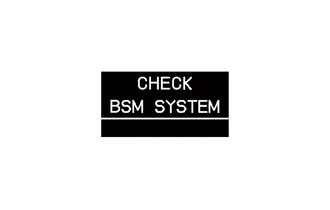
|
This message appears when the blind spot monitor sensor detects a system malfunction. | Illuminates | Sounds |
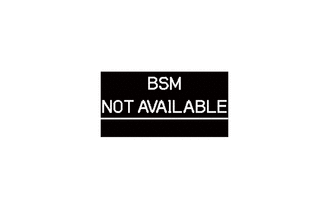
|
This message appears when the blind spot monitor sensor determines the following conditions:
·
Dirty blind spot monitor sensor ·
Poor weather condition ·
Significantly high or low outside temperatures After these conditions have been eliminated, the system will operate normally. |
Illuminates | Sounds |
- HINT:
-
*: The vehicle has reached a speed of 5 km/h (3 mph).
Customize Display
The customize display is displayed in the following order each time the SETUP switch is pressed. Nine items can be set.
A customizing value for each item will be set when any of the following conditions is met after the customizing value is selected using the SELECT RESET switch:
The screen of the customizable item is changed by operating the SETUP switch.
The customize display shifts to cruise information display or ODO meter.
The ignition switch is turned OFF.
The items and the default settings are as follows:
| Item | Default | Customizing Value |
|---|---|---|
| Units | US (English) | US (English) → Metric |
| Keyless Entry Feedback | Both (Lamps and Tone) | Both (Lamps and Tone) → Lamps → Tone → OFF |
| Keyless Entry Relock Timer | 60 seconds | 60 seconds → 120 seconds → OFF → 30 seconds |
| Keyless Entry All Doors Unlock | 2 press | 2 press → 1 press |
| Door Auto Locking | Above 12 mph | Above 12 mph → OFF → Shift Out of Park |
| Door Auto Unlocking | Shift to Park | Shift to Park → Driver Door Open → OFF |
| Headlight Auto Off Timer | 30 seconds | 30 seconds → 60 seconds → 90 seconds → 0 |
| Courtesy Light Off Timer | 15 seconds | 15 seconds → 30 seconds → 8 seconds |
| Language | English | English → French → Spanish |
| Default Setting | - | - |
A warning message will appear if the SETUP switch is pressed when the vehicle speed is more than 5 km/h (3 mph).
An error message will appear if the customizing value setting is not completed.

| *a | Warning Message | *b | System Error |
The customize display can be switched as shown in the flow chart below:
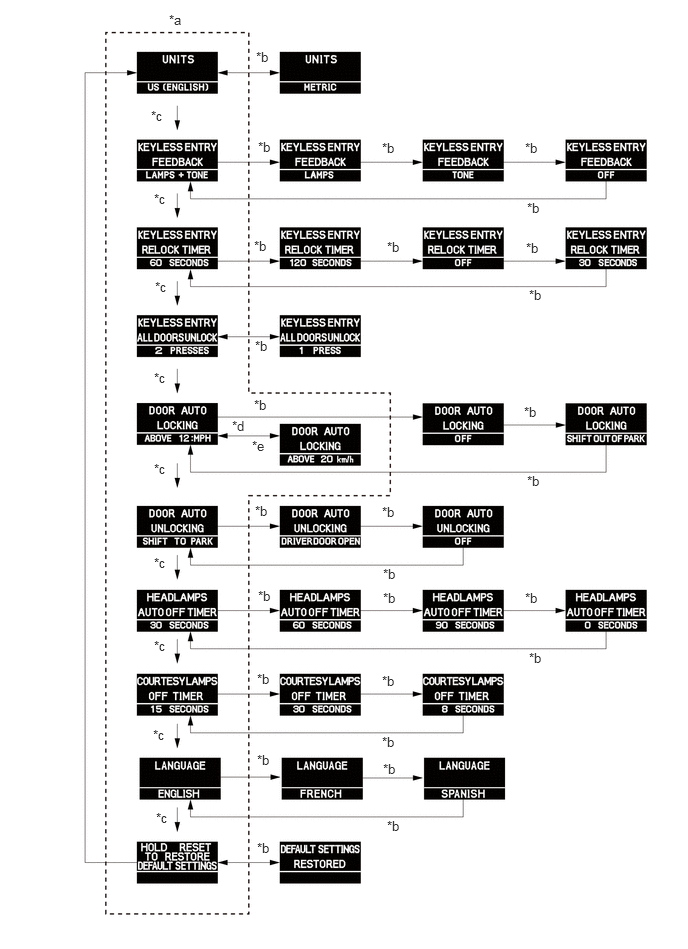
| *a | Default Setting | *b | SELECT RESET SW |
| *c | SETUP Switch | *d | US |
| *e | METRIC | - | - |