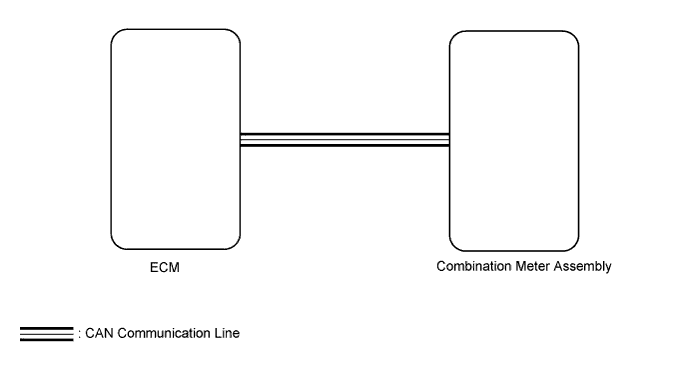
METER / GAUGE SYSTEM > Tachometer Malfunction |
| 1.CHECK CAN COMMUNICATION SYSTEM |
Check if a CAN communication DTC is output (Click here).
| Result | Proceed to |
| CAN communication DTC is not output | A |
| CAN communication DTC is output | B |
|
| ||||
| A | |
 |
| 2.PERFORM ACTIVE TEST USING TECHSTREAM (TACHO METER OPERATION) |
Use the Active Test to check the operation of the tachometer (Click here).
| Tester Display | Test Part | Control Range | Diagnostic Note |
| Tacho Meter Operation | Tachometer | 0, 1000, 2000, 3000, 4000, 5000, 6000, 7000 (rpm) | Confirm that the vehicle is stopped with the engine idling. |
|
| ||||
| OK | |
|
| 3.READ VALUE USING TECHSTREAM (ENGINE RPM) |
Use the Data List to check the engine speed (Click here).
| Tester Display | Measurement Item/Range | Normal Condition | Diagnostic Note |
| Engine Rpm | Engine speed/Min.: 0 rpm, Max.: 12800 rpm | 600 to 700 rpm (When idling) | If the data received from the ECM exceeds the range that can be displayed on the meter, the meter continues to display the maximum value. |
Record the engine speed displayed on the Techstream.
|
| ||||
| OK | |
|
| 4.READ VALUE USING TECHSTREAM (ENGINE SPEED) |
Use the Data List to check the engine speed (Click here).
| Tester Display | Measurement Item/Range | Normal Condition | Diagnostic Note |
| Engine Speed | Engine speed/Min.: 0 rpm, Max.: 16383 rpm | 600 to 700 rpm (When idling) | - |
|
| ||||
| OK | |
|
| 5.REPLACE ECM |
Replace the ECM with a new or normally functioning one (Click here).
|
| ||||
| OK | ||
 | ||
| ||
