| NG |  |
| REMOVE FOREIGN MATTER |
DTC B158B Touch Switch Malfunction |
| DTC Code | DTC Detection Condition | Trouble Area |
| B158B | Touch switch malfunction | Navigation receiver assembly |
| 1.CHECK MULTI-DISPLAY |
Check if there is any foreign matter caught between the display and exterior frame of the multi-display.
|
| ||||
| OK | |
 |
| 2.CHECK TOUCH PANEL |
Check for foreign matter on the display.
|
| ||||
| OK | |
|
| 3.CHECK TOUCH SWITCH |
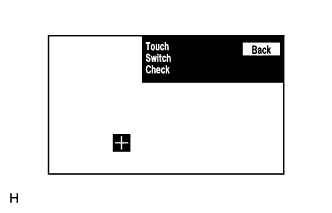 |
Enter the "Function Check/Setting" mode and select "Touch Switch" (Click here).
Touch the display in the area where the switch malfunction occurs.
| Result | Proceed to |
| OK | A |
| NG (for Column Shift Type) | B |
| NG (for Floor Shift Type) | C |
|
| ||||
|
| ||||
| A | ||
 | ||
| ||